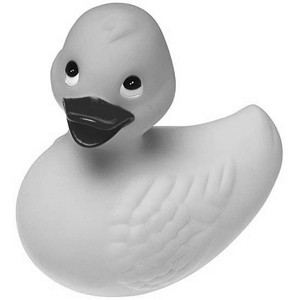
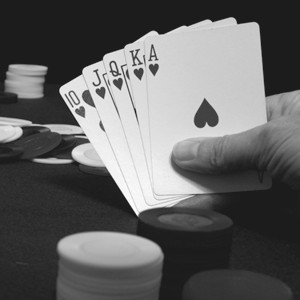
TImageEnProc.ConvertToGray
Declaration
procedure ConvertToGray();Description
Convert the selected region to gray levels. The image always will be in True color (16M of colors).Note:
◼ConvertToGray sets the R,G,B channels to the same value using: RedToGrayCoef, GreenToGrayCoef, BlueToGrayCoef
◼A UI for this is available to your users in the Image Processing dialog
◼If the image PixelFormat is not ie24RGB or ie32RGB, it will be converted
Demo
 | Demos\ImageEditing\EveryMethod\EveryMethod.dpr |
Example
Also see: Automated Samples
// Load test imageImageEnView1.IO.LoadFromFile( 'D:\TestImage.jpg' );
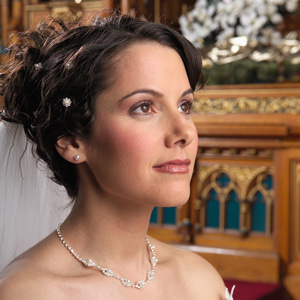
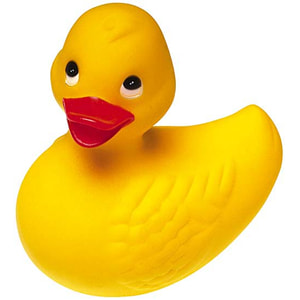
// Convert to gray levels
ImageEnView1.Proc.ConvertToGray();