TImageEnProc.GetRGBChannel
Declaration
function GetRGBChannel(Channel: TIEChannel; PixelFormat: TIEPixelFormat = ie24RGB): TIEBitmap; overload;function GetRGBChannel(Channel: TIEChannel; var AveragePct: Double; PixelFormat: TIEPixelFormat = ie24RGB)): TIEBitmap; overload;
procedure GetRGBChannel(BitmapR, BitmapG, BitmapB: TIEBitmap; PixelFormat: TIEPixelFormat = ie24RGB)); overload;
procedure GetRGBChannel(BitmapR, BitmapG, BitmapB, BitmapA: TIEBitmap; PixelFormat: TIEPixelFormat = ie24RGB); overload;
Description
Return a Bitmap with the specified RGB channel or all three RGB channels. The resulting Bitmap is a gray level representation of the specified channel.There is also a BitmapA overload available for ie32RGB format images.
ch is the RGB channel: iecRed, iecGreen, iecBlue.
AveragePct returns the average value for that channel in the image.
The PixelFormat of the resulting image(s) can be ie8g or ie24RGB.
To re-create the image from the RGB channel bitmaps, use SetFromRGBChannels.
Note: You must free the bitmap(s) returned by GetRGBChannel()
Demos
 | Demos\ImageEditing\RGBChannels\RGBChannels.dpr |
| | Demos\ImageEditing\CompleteEditor\PhotoEn.dpr |
| | Demos\ImageEditing\EveryMethod\EveryMethod.dpr |
Image Testing
// Load test imageImageEnView1.IO.LoadFromFile( 'D:\TestImage.jpg' );

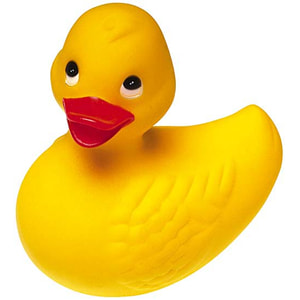
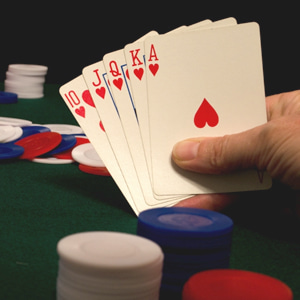
// Return the Red channel of the image
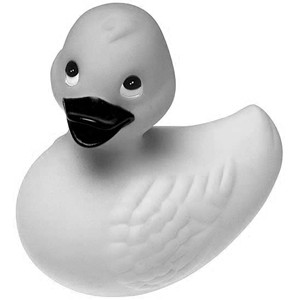
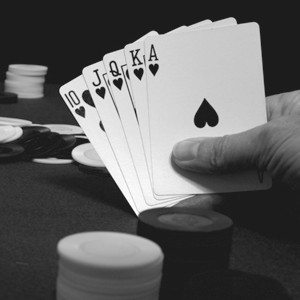
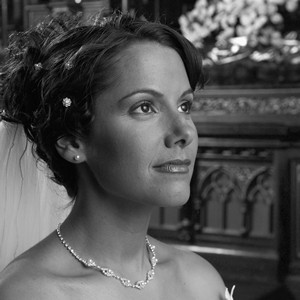
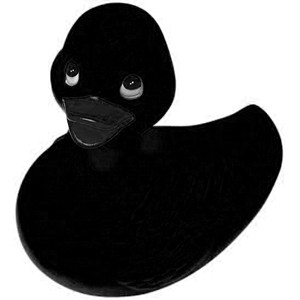
bmp1 := ImageEnView1.Proc.GetRGBChannel( iecRed );

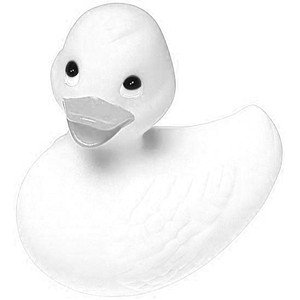
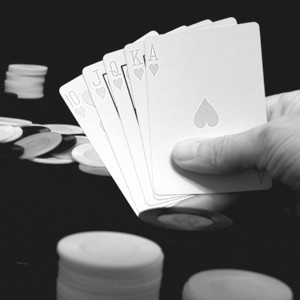
// Return the Green channel of the image
bmp1 := ImageEnView1.Proc.GetRGBChannel( iecGreen );

// Return the Blue channel of the image
bmp1 := ImageEnView1.Proc.GetRGBChannel( iecBlue );
Examples
Also see: Automated Samples
// Overload 1 Exampleblue := ImageEnView1.Proc.GetRGBChannel(iecBlue);
green := ImageEnView1.Proc.GetRGBChannel(iecGreen);
red := ImageEnView1.Proc.GetRGBChannel(iecRed);
ImageEnView2.IEBitmap.Assign(blue); // Show Blue channel
ImageEnView3.IEBitmap.Assign(green); // Show Green channel
ImageEnView4.IEBitmap.Assign(red); // Show Red channel
ImageEnView2.Update();
ImageEnView3.Update();
ImageEnView4.Update();
blue .Free():
green.Free():
red .Free():
// Overload 2 Example
ImageEnView1.Proc.GetRGBChannel(ImageEnViewRed.IEBitmap, ImageEnViewGreen.IEBitmap, ImageEnViewBlue.IEBitmap);
ImageEnViewRed.Update();
ImageEnViewGreen.Update();
ImageEnViewBlue.Update();