TIEVisionImage.makeBorder
Declaration
procedure makeBorder(dst: TIEVisionImage; top, bottom, left, right: int32_t; borderType: TIEVisionBorderType; value: TIEVisionScalar); overload; safecall;procedure makeBorder(top, bottom, left, right: int32_t; borderType: TIEVisionBorderType; value: TIEVisionScalar); overload; safecall;
Description
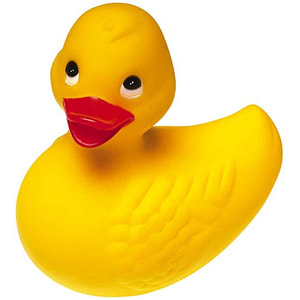
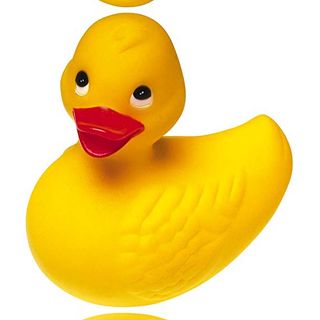
Form a border around the image.First overload places the result into destination object.
Second overload updates the current image.
Resulting image size will be width = old_width + left + right, height = old_height + top + bottom.
Note: You can use assignIEVisionImage to reflect this methods changes in the associated bitmap
| Parameter | Description |
|---|---|
| dst | Container for the destination image |
| top | Specifies how many pixels on the top to add |
| bottom | Specifies how many pixels on the bottom to add |
| left | Specifies how many pixels on the left to add |
| right | Specifies how many pixels on the right to add |
| borderType | Border type. Choose one of ievBORDER_CONSTANT, ievBORDER_REPLICATE, ievBORDER_REFLECT, ievBORDER_WRAP or ievBORDER_REFLECT_101 |
| value | Border value if borderType is ievBORDER_CONSTANT (in B:G:R orientation) |
BorderType Constants

Examples
Also see: Automated Samples
// Add blue border to imageImg1 := ImageEnView1.IEBitmap.GetIEVisionImage;
Img1.makeBorder( 20, 20, 20, 20, ievBORDER_CONSTANT, IEVisionScalar( 255, 0, 0 ));
ImageEnView1.IEBitmap.assignIEVisionImage( Img1 );
// Add a 10px border to all sides by replicating edge content
im := ImageEnView1.IEBitmap.GetIEVisionImage();
im.makeBorder( 10, 10, 10, 10, ievBORDER_REPLICATE, IEVisionScalar( 0, 0, 0 ));
ImageEnView1.IEBitmap.AssignIEVisionImage(im);



// Add a 10px border to all sides by reflecting edge content
im := ImageEnView1.IEBitmap.GetIEVisionImage();
im.makeBorder( 10, 10, 10, 10, ievBORDER_REFLECT, IEVisionScalar( 0, 0, 0 ));
ImageEnView1.IEBitmap.AssignIEVisionImage(im);