Code samples for EffectsChain.
Automatically generated by the Every Method demo.
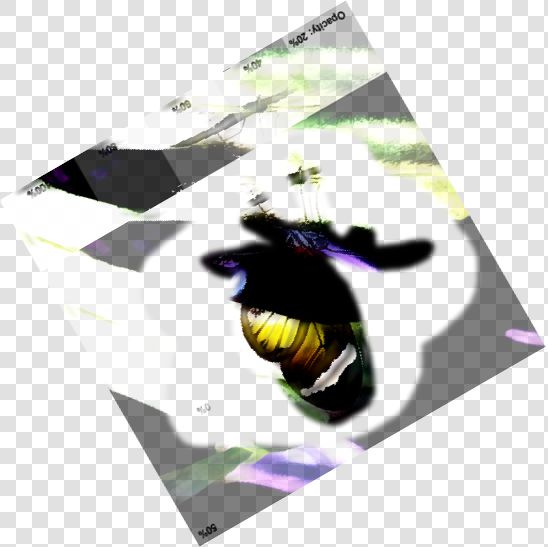
// Automated test of EffectsChain - Typical Values
// TIEBitmap.EffectsChain Operations: 2: Smoothing, Rotate 30°
ImageEnView1.IEBitmap.EffectsChain.Enabled := True;
ImageEnView1.IEBitmap.EffectsChain.Clear();
ieOp := TIEImageEffect.Create();
// Apply Smoothing
ieOp.Operation := peSmoothing;
ieOp.Smooth_Method := SmoothMethod_SymmetricNearestNeighbour;
ieOp.Smooth_Strength := 2;
ImageEnView1.IEBitmap.EffectsChain.Add( ieOp );
// Rotate image
ieOp.Operation := peRotate;
ieOp.Rotate_Angle := 30;
ImageEnView1.IEBitmap.EffectsChain.Add( ieOp );
ImageEnView1.IEBitmap.EffectsChain.Apply();
ImageEnView1.IEBitmap.EffectsChain.Enabled := False;
ieOp.Free();


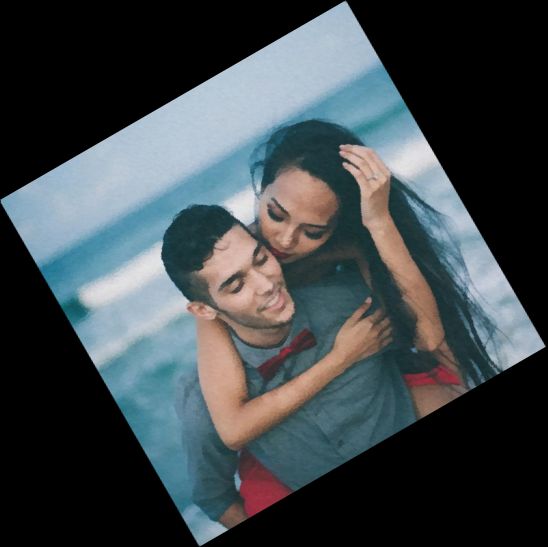
// Automated test of EffectsChain - Alpha Channel - Typical Values
// TIEBitmap.EffectsChain Operations: 2: Smoothing, Rotate 30°
ImageEnView1.IEBitmap.EffectsChain.Enabled := True;
ImageEnView1.IEBitmap.EffectsChain.Clear();
ieOp := TIEImageEffect.Create();
// Apply Smoothing
ieOp.Operation := peSmoothing;
ieOp.Smooth_Method := SmoothMethod_SymmetricNearestNeighbour;
ieOp.Smooth_Strength := 2;
ImageEnView1.IEBitmap.EffectsChain.Add( ieOp );
// Rotate image
ieOp.Operation := peRotate;
ieOp.Rotate_Angle := 30;
ImageEnView1.IEBitmap.EffectsChain.Add( ieOp );
ImageEnView1.IEBitmap.EffectsChain.Apply();
ImageEnView1.IEBitmap.EffectsChain.Enabled := False;
ieOp.Free();
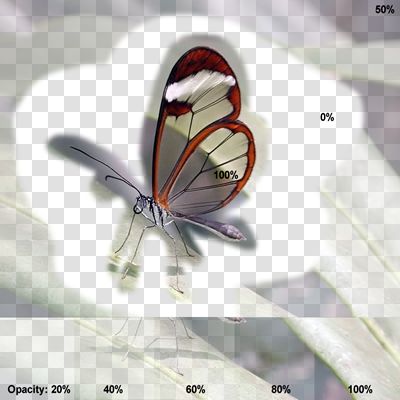
// Automated test of EffectsChain - Random Values
// TIEBitmap.EffectsChain Operations: 3: Contrast +100, Smoothing, Rotate 210°
ImageEnView1.IEBitmap.EffectsChain.Enabled := True;
ImageEnView1.IEBitmap.EffectsChain.Clear();
ieOp := TIEImageEffect.Create();
// Apply contrast
ieOp.Operation := peContrast;
ieOp.Contrast_Contrast := 100;
ImageEnView1.IEBitmap.EffectsChain.Add( ieOp );
// Apply Smoothing
ieOp.Operation := peSmoothing;
ieOp.Smooth_Method := SmoothMethod_SymmetricNearestNeighbour;
ieOp.Smooth_Strength := 12;
ImageEnView1.IEBitmap.EffectsChain.Add( ieOp );
// Rotate image
ieOp.Operation := peRotate;
ieOp.Rotate_Angle := 210;
ImageEnView1.IEBitmap.EffectsChain.Add( ieOp );
ImageEnView1.IEBitmap.EffectsChain.Apply();
ImageEnView1.IEBitmap.EffectsChain.Enabled := False;
ieOp.Free();
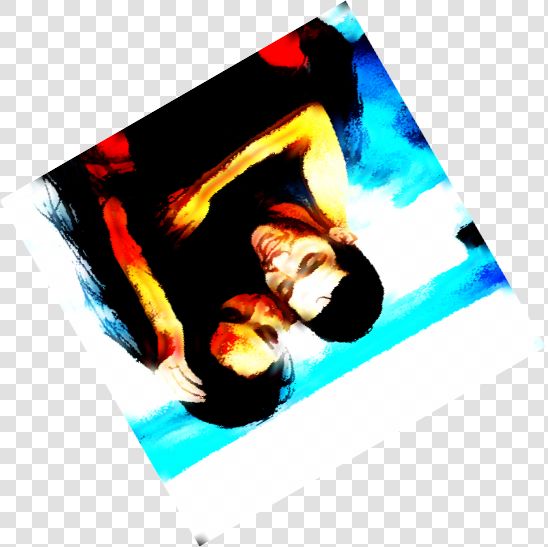
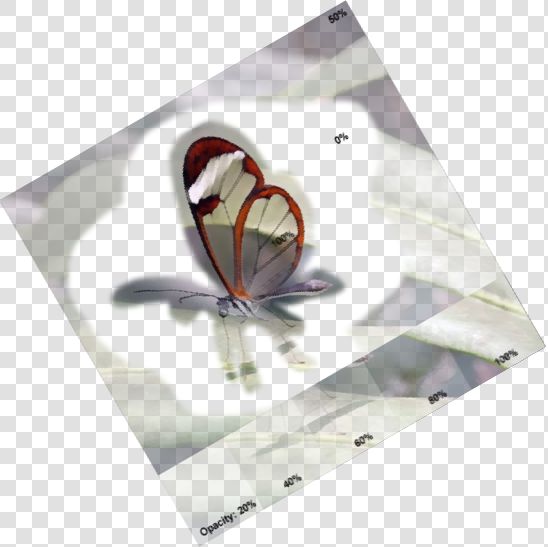
// Automated test of EffectsChain - Alpha Channel - Random Values
// TIEBitmap.EffectsChain Operations: 3: Contrast +100, Smoothing, Rotate 210°
ImageEnView1.IEBitmap.EffectsChain.Enabled := True;
ImageEnView1.IEBitmap.EffectsChain.Clear();
ieOp := TIEImageEffect.Create();
// Apply contrast
ieOp.Operation := peContrast;
ieOp.Contrast_Contrast := 100;
ImageEnView1.IEBitmap.EffectsChain.Add( ieOp );
// Apply Smoothing
ieOp.Operation := peSmoothing;
ieOp.Smooth_Method := SmoothMethod_SymmetricNearestNeighbour;
ieOp.Smooth_Strength := 12;
ImageEnView1.IEBitmap.EffectsChain.Add( ieOp );
// Rotate image
ieOp.Operation := peRotate;
ieOp.Rotate_Angle := 210;
ImageEnView1.IEBitmap.EffectsChain.Add( ieOp );
ImageEnView1.IEBitmap.EffectsChain.Apply();
ImageEnView1.IEBitmap.EffectsChain.Enabled := False;
ieOp.Free();