TImageEnProc.HSLvar
Declaration
procedure HSLvar(Hue, Sat, Lum: Integer);Description
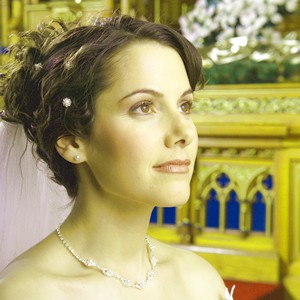
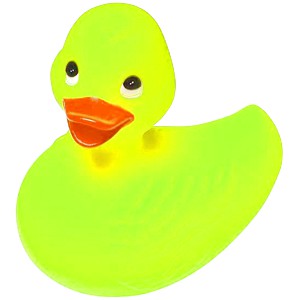
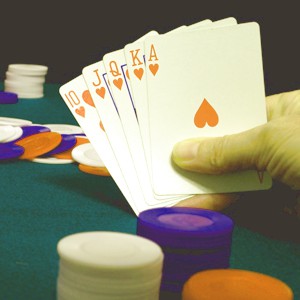
Adjust the Hue, Saturation and Luminosity of the selected region.| Parameter | Description |
|---|---|
| Hue | Offset to add to the Hue channel, from -180 to +180 |
| Sat | Offset to add to the Saturation channel, from -100 to +100 |
| Lum | Offset to add to the Luminosity channel, from -100 to +100 |
Note:
◼A UI for this is available to your users in the Image Processing dialog
◼If the image PixelFormat is not ie24RGB or ie32RGB, it will be converted
Demo
 | Demos\ImageEditing\EveryMethod\EveryMethod.dpr |
Alternative Methods
There are multiple methods that will be adjust the brightness (luminosity) of an image:◼IntensityRGBall:
ImageEnView1.Proc.IntensityRGBall(20, 20, 20); // Increase luminosity by 20 (the fastest)
◼AdjustBrightnessContrastSaturation:
ImageEnView1.Proc.AdjustBrightnessContrastSaturation(20, 0, 0); // Increase luminosity by 20
◼HSLvar:
ImageEnView1.Proc.HSLvar(0, 0, 20); // Increase luminosity of by (slow but more accurate)
◼HSVvar:
ImageEnView1.Proc.HSVvar(0, 0, 20); // Increase luminosity of by (slow but more accurate)
Examples
Also see: Automated Samples
ImageEnView1.Proc.HSLVar( 0, -100, 0 ); // Convert to grayImageEnView1.Proc.HSLVar( 0, 0, 30 ); // Increase luminosity
// Load test image
ImageEnView1.IO.LoadFromFile( 'D:\TestImage.jpg' );
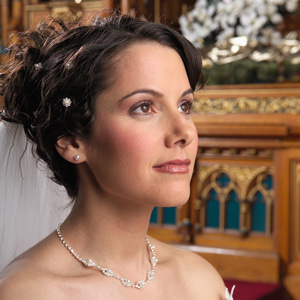
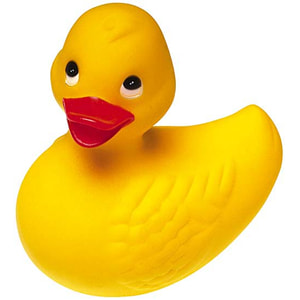
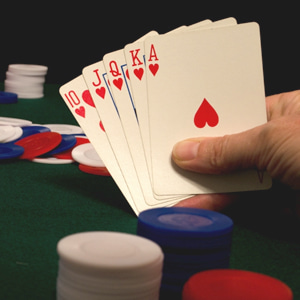
// Change the Hue, Saturation and Luminosity
ImageEnView1.Proc.HSLvar( 30, 10, 10 );