TPreviewEffects
Declaration
TPreviewEffects = set of (peAll, peContrast, peHSV, peHSL, peRGB, peUserFilt, peEqualize, peBumpMap, peLens, peMorph, peRotate, peFFT, peGamma, peSharpen, peResize, peSoftShadow, peAutoEnhance, peCrop, peColorCurve, peLevels, peSmoothing, pePixelize, peTransparency, peOtherColor, peOtherEffects);Description
Specify which tabs are shown in the Image Processing Dialog (displayed by calling DoPreviews) and the TIEEditControls component:| Value | Description | Method Used |
|---|---|---|
| peAll | All tabs will be shown | - |
| peContrast | Adjust contrast | Contrast, IntensityRGBAll |
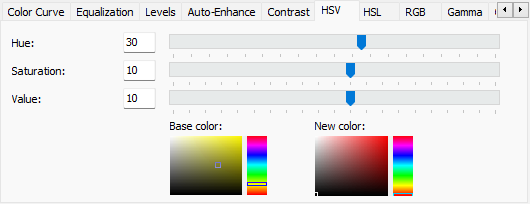
| peHSV | Adjust the Hue/Saturation/Value | HSVvar |
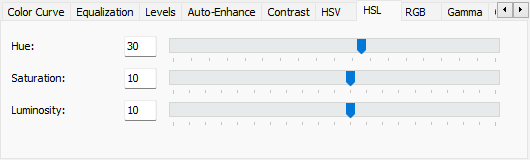
| peHSL | Adjust the Hue/Saturation/Luminance | HSLvar |
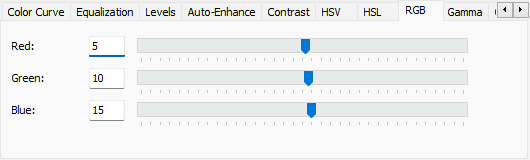
| peRGB | Adjust Red/Green/Blue values | IntensityRGBAll |
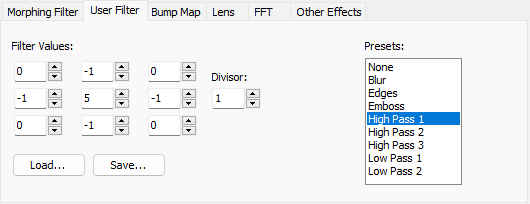
| peUserFilt | Apply a 3x3 filter | ApplyFilter |
| peEqualize | Equalize the color histogram | Threshold, HistEqualize, HistAutoEqualize |
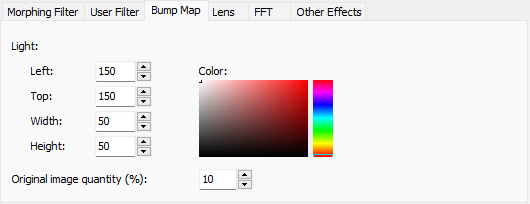
| peBumpMap | Apply Bump map effect | BumpMapping |
| peLens | Apply Lens effect | Lens |
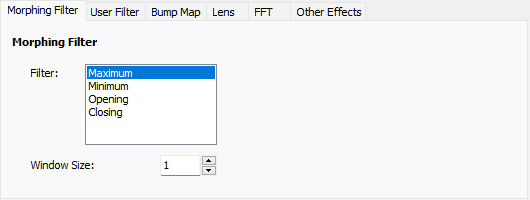
| peMorph | Set the minimum of maximum pixel values | Minimum, Maximum |
| peRotate | Rotate the image | Rotate, Flip |
| peFFT | Apply a Fourier Analysis | FTCreateImage |
| peGamma | Perform gamma correction | GammaCorrect |
| peSharpen | Apply a sharpening filter | Sharpen |
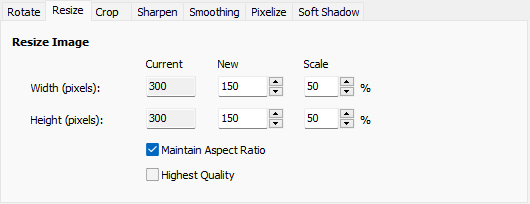
| peResize | Change the dimensions of the image | Resample |
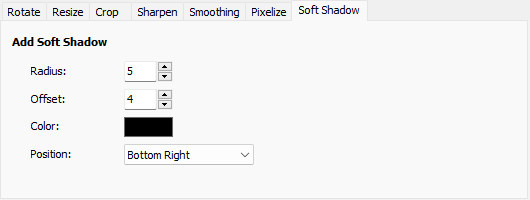
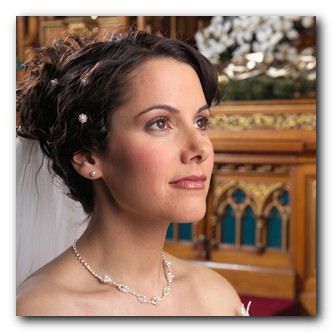
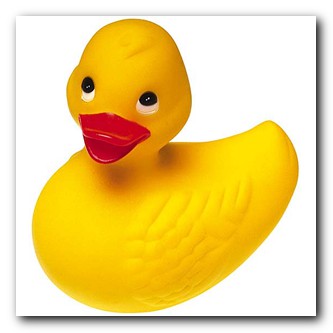
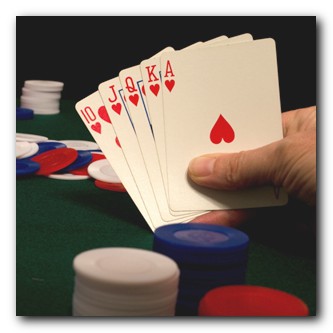
| peSoftShadow | Apply a soft-shadow | AddSoftShadow |
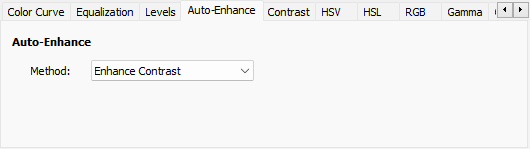
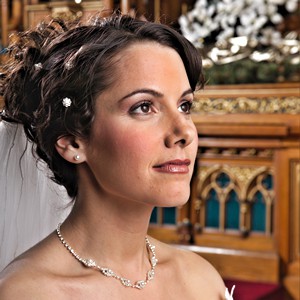
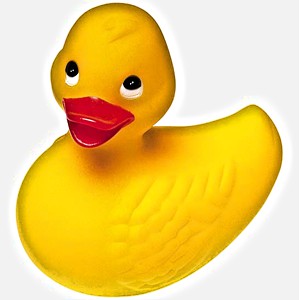
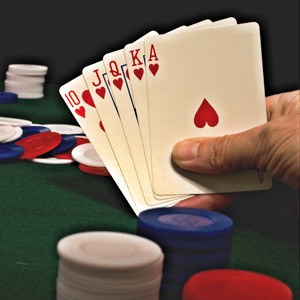
| peAutoEnhance | Automatic color enhancement | AutoImageEnhance1, AutoImageEnhance2 |
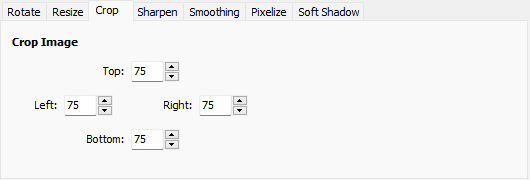
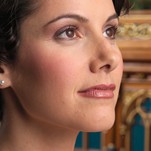
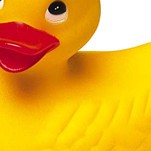
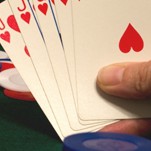
| peCrop | Crop or allow border to an image | Crop, ImageResize |
| peColorCurve | Adjust the image colors using a color curve | TIEColorCurve |
| peLevels | Adjust the image input and output levels | AdjustLevels |
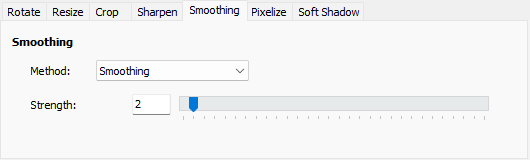
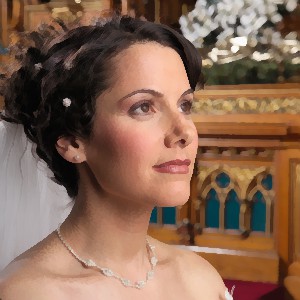
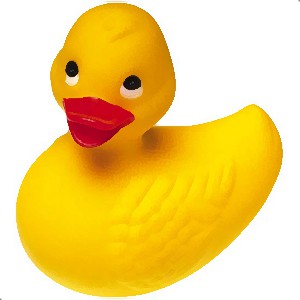
| peSmoothing | Remove noise from an image using Symmetric Nearest Neighbour smoothing | SymmetricNearestNeighbour |
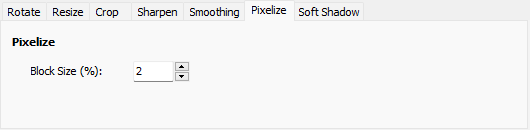
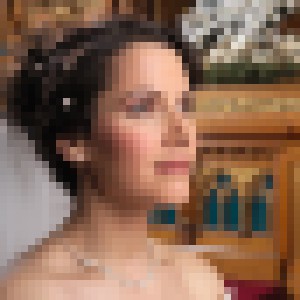
| pePixelize | Pixelize the image (to obscure parts of it) | Pixelize |
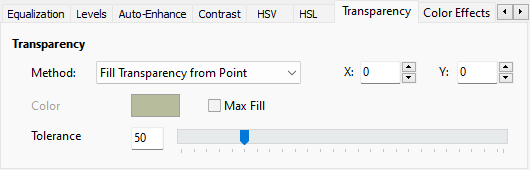
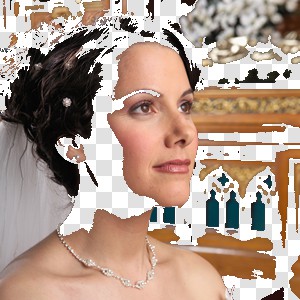
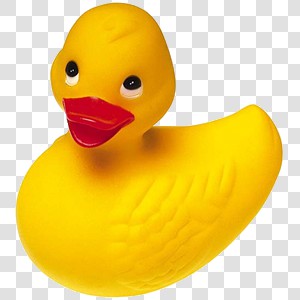
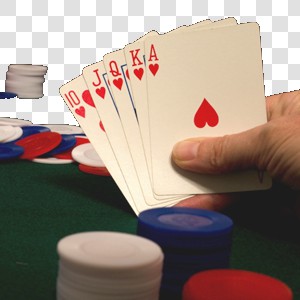
| peTransparency | Set areas of the image as transparent | CastAlpha, SetTransparentColors, RemoveChromaKey |
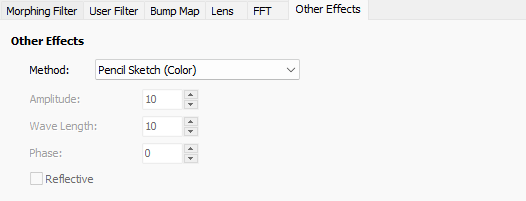
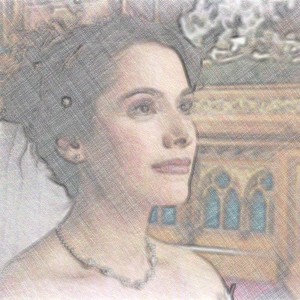
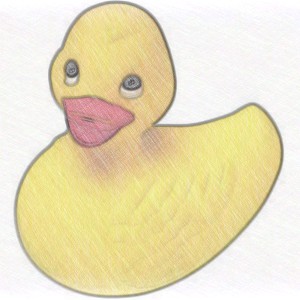
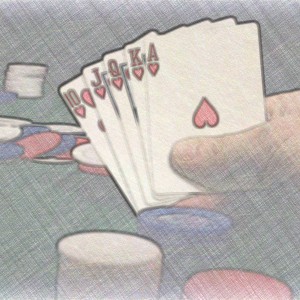
| peOtherColor | Other color operations | Wave, Reflection, PencilSketch, Swirl, Cartoonify |
| peOtherEffects | Other image effects | ConvertToGray, ConvertToSepia, Negative, Colorize, WhiteBalance_GrayWorld |
There are three shortcuts that combine common sets:
◼ppeColorAdjustments
◼ppeEditingFunctions
◼ppeSpecialEffects
Effect Samples
peContrast
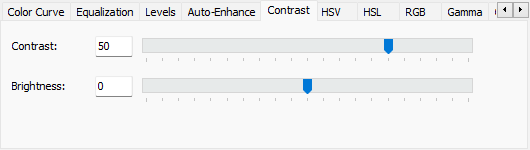
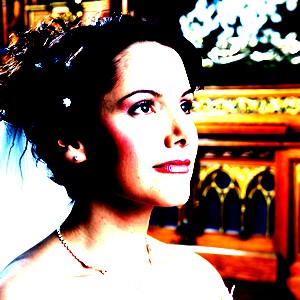
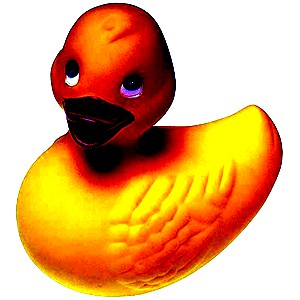
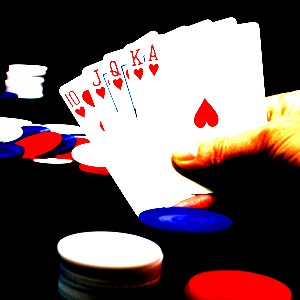
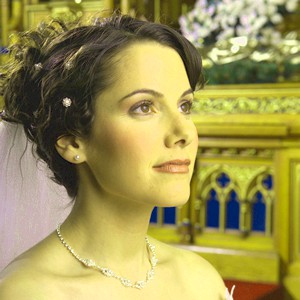
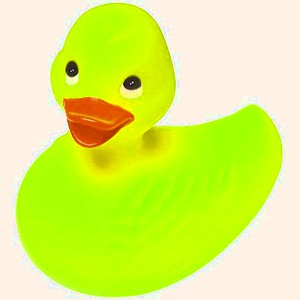
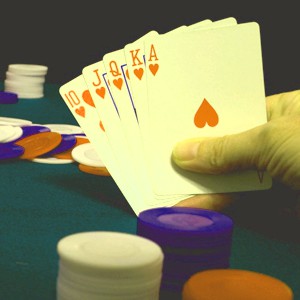
peHSV
peHSL
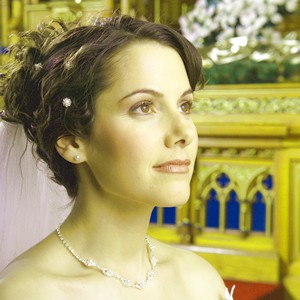
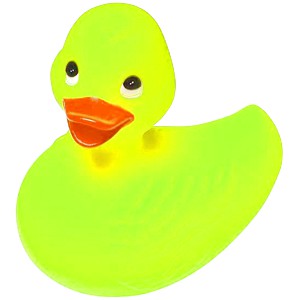
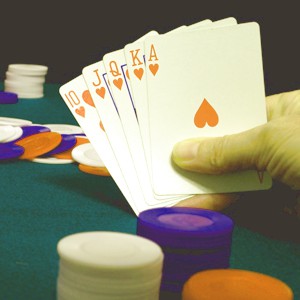
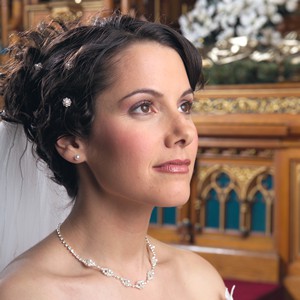
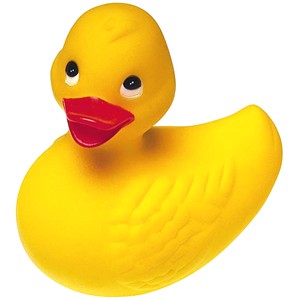
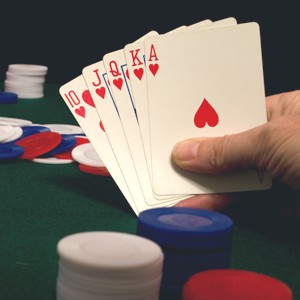
peRGB
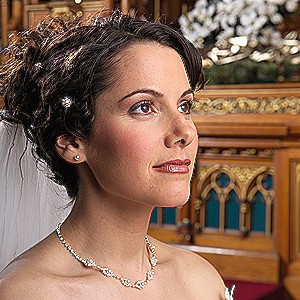
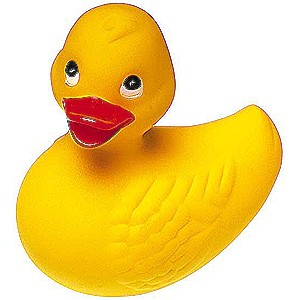
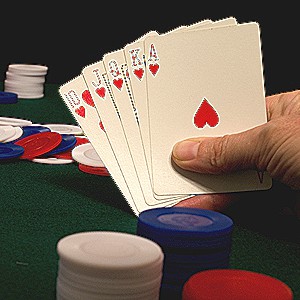
peUserFilt
peEqualize
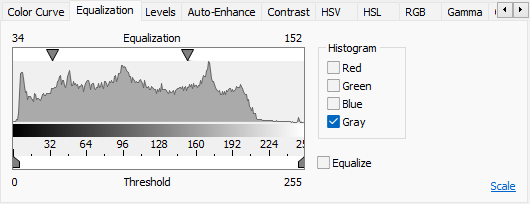
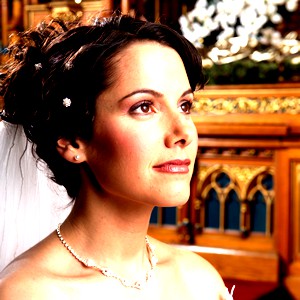
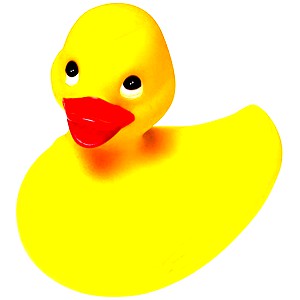
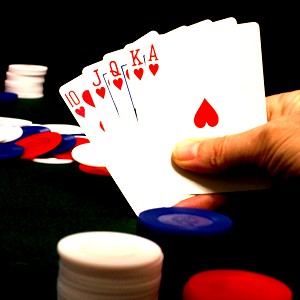
peBumpMap
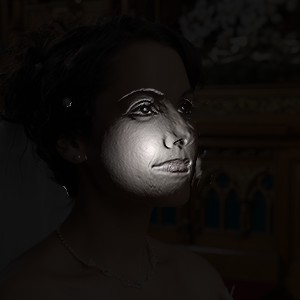
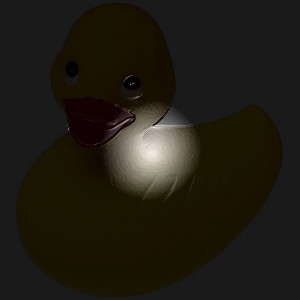
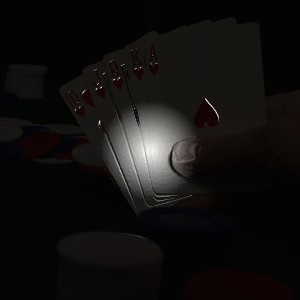
peLens
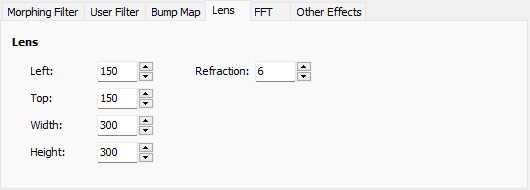
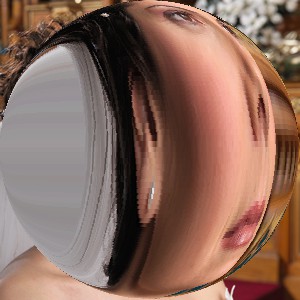
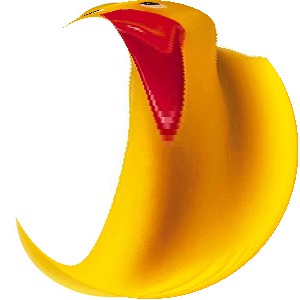
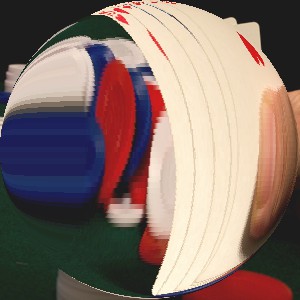
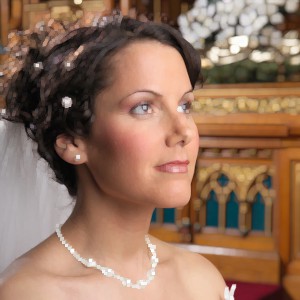
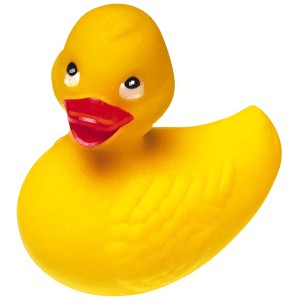
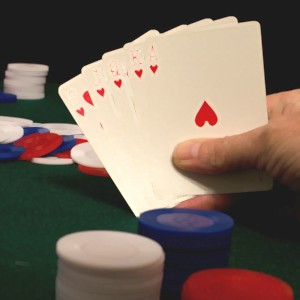
peMorph
peRotate
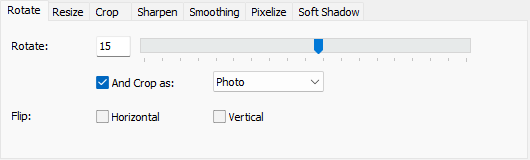
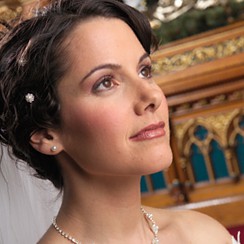
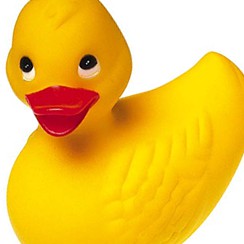
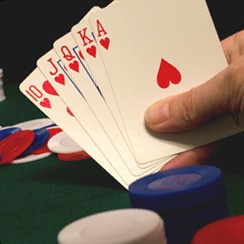
peFFT
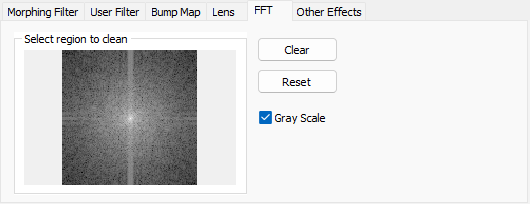
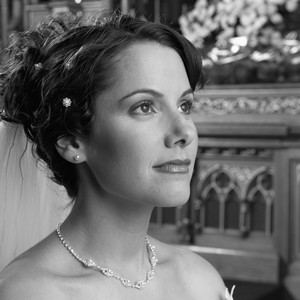
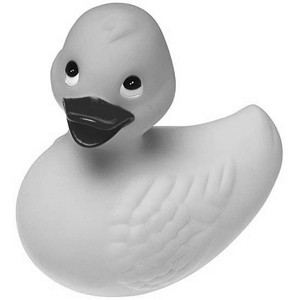
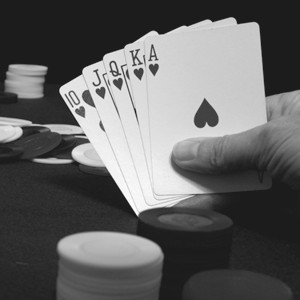
peGamma
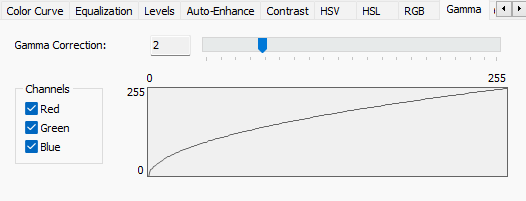
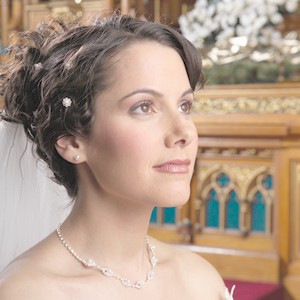
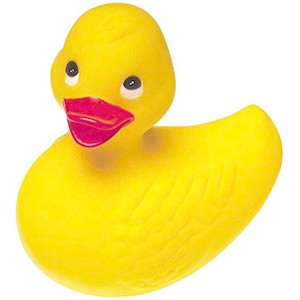
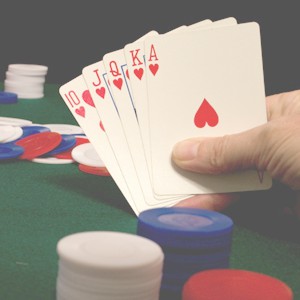
peSharpen
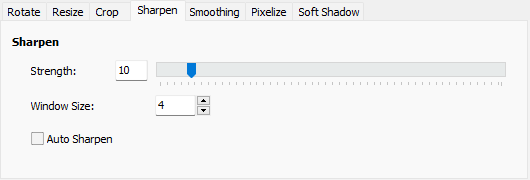
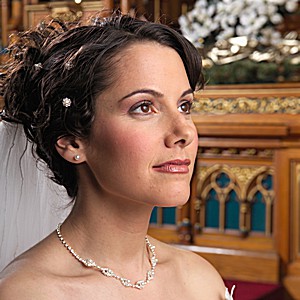
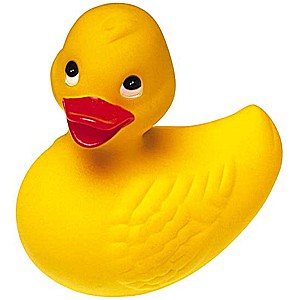
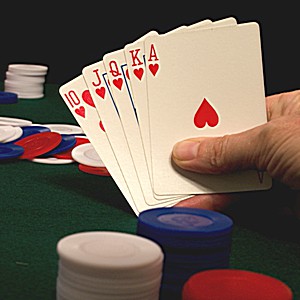
peResize
peSoftShadow
peAutoEnhance
peCrop
peColorCurve
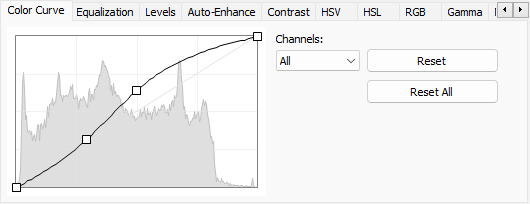
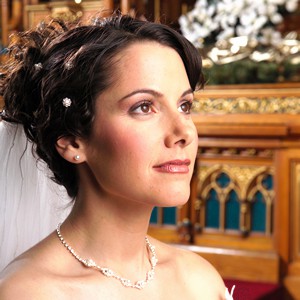
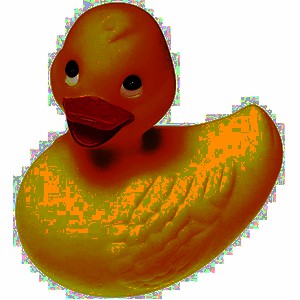
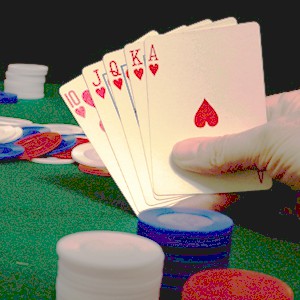
peLevels
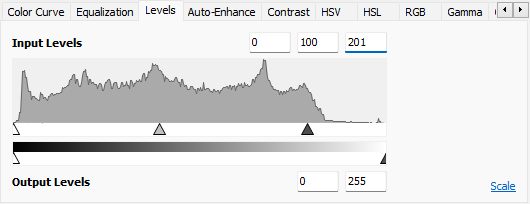
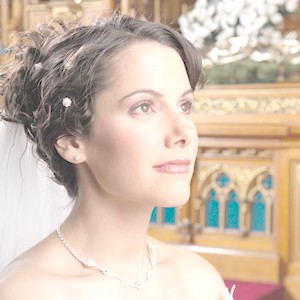
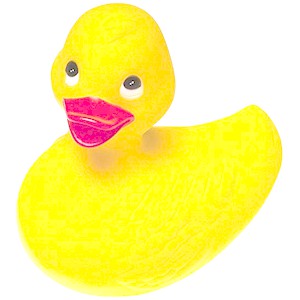
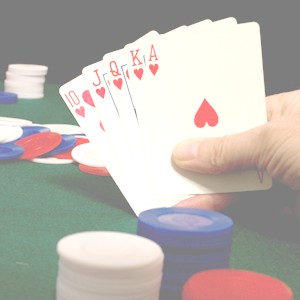
pePixelize
peSmoothing
peTransparency
peOtherColor
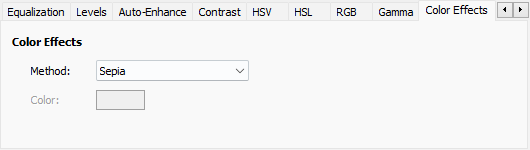
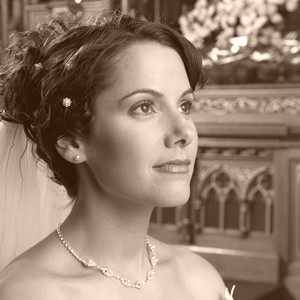
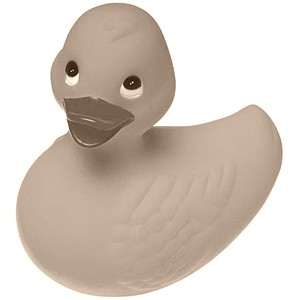
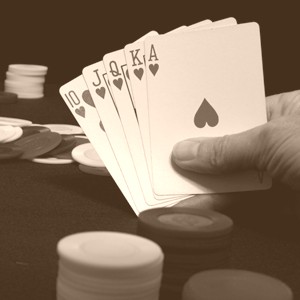
peOtherEffects
Examples
// Prompt user to perform color adjustment on the current imageImageEnView1.Proc.DoPreviews( ppeColorAdjustments );
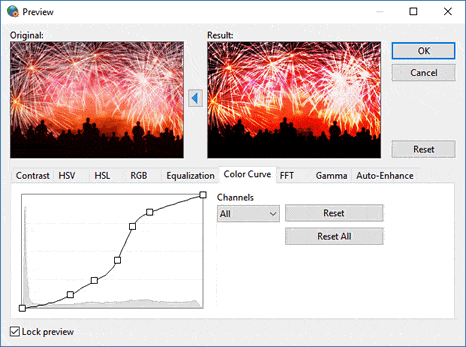
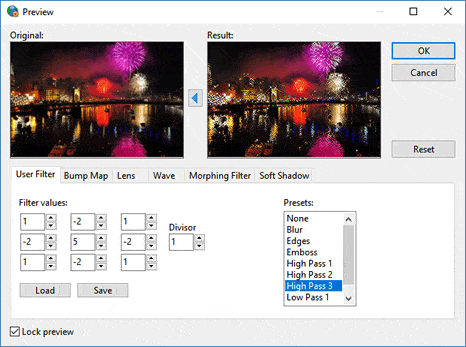
// Prompt user to perform image effects on the current image
ImageEnView1.Proc.DoPreviews( ppeSpecialEffects );
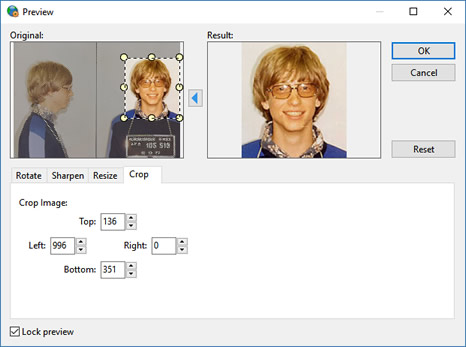
// Prompt user to perform editing operations on the current image
ImageEnView1.Proc.DoPreviews( ppeEditingFunctions );
See Also
◼ppeColorAdjustments◼ppeEditingFunctions
◼ppeSpecialEffects
◼PreviewEffectToStr