TIEVisionImage.houghLinesP
Declaration
function houghLinesP(rho: Double; theta: Double; threshold: int32_t; minLineLength: Double = 0; maxLineGap: Double = 0): TIEVisionVectorScalarInt32; safecall;Description
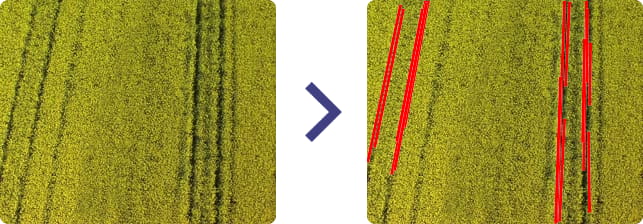
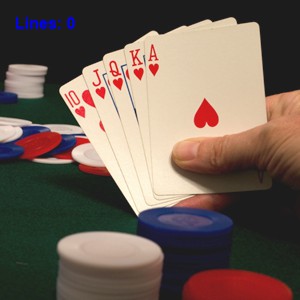
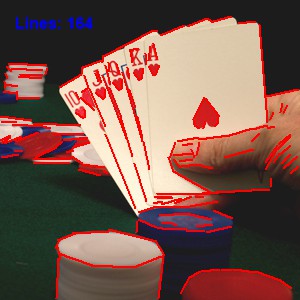
Find line segments in a binary image using the probabilistic Hough transform.Returns a vector (list) of line segments. Each line is represented by a 4-element vector (x1, y1, x2, y2), where (x1, y1) and (x2, y2) are the ending points of each detected line segment.
Note:
◼Pixel format of input image must be ie8g
◼You can draw the lines to a canvas using DrawLines
◼For a standard Hough transform, use houghLines
| Parameter | Description |
|---|---|
| rho | Distance resolution of the accumulator in pixels |
| theta | Angle resolution of the accumulator in radians |
| threshold | Accumulator threshold parameter. Only those lines are returned that get enough votes |
| minLineLength | Minimum line length. Line segments shorter than that are rejected |
| maxLineGap | Maximum allowed gap between points on the same line to link them |
Demos
 | Demos\IEVision\LinesDetect\LinesDetect.dpr |
| | Demos\ImageEditing\EveryMethod\EveryMethod.dpr |
Example
// HOUGH TRANSFORMImageEnView1.IEBitmap.PixelFormat := ie8g;
ImageEnView1.IEBitmap.GetIEVisionImage().blur( IEVisionSize(3, 3), IEVisionPoint(-1, -1) );
ImageEnView1.IEBitmap.GetIEVisionImage().canny( 50, 200, 3 );
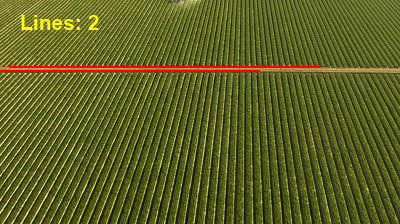
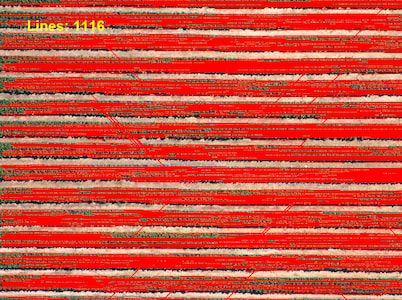
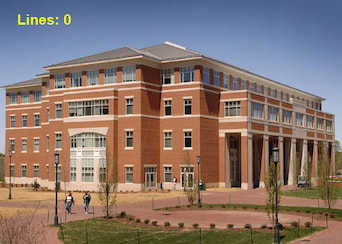
lines := ImageEnView1.IEBitmap.GetIEVisionImage().houghLinesP( 1, PI / 180, 200, 100, 10 );
for i := 0 to lines.size() - 1 do
begin
sc := lines.getScalarInt32(i);
with ImageEnView1.IEBitmap.Canvas do
begin
Pen.Width := 2;
Pen.Color := clRed;
MoveTo( sc.val[0], sc.val[1] );
LineTo( sc.val[2], sc.val[3] );
end;
end;
ImageEnView1.Proc.TextOut( Align_Text_Near_Left, Align_Text_Near_Top, Format( 'Lines: %d', [ lines.size ]), 'Arial', 12, Text_Color, [fsBold] );
ImageEnView1.Update();
Other Line Detection Methods
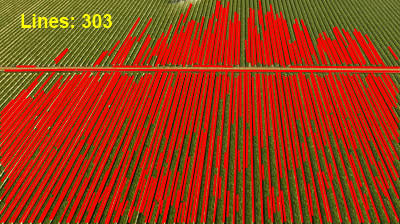
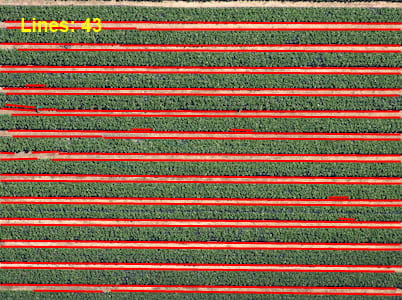
// BINARY DESCRIPTORlines := ImageEnView1.IEBitmap.GetIEVisionImage().detectLines( ievBinaryDescriptor );
for i := 0 to lines.size() - 1 do
begin
sc := lines.getScalarInt32(i);
with ImageEnView1.IEBitmap.Canvas do
begin
Pen.Width := 2;
Pen.Color := clRed;
MoveTo( sc.val[0], sc.val[1] );
LineTo( sc.val[2], sc.val[3] );
end;
end;
ImageEnView1.Proc.TextOut( Align_Text_Near_Left, Align_Text_Near_Top, Format( 'Lines: %d', [ lines.size ]), 'Arial', 12, Text_Color, [fsBold] );
ImageEnView1.Update();
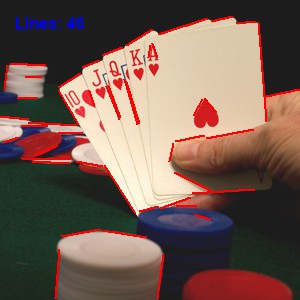
// LSD DETECTOR
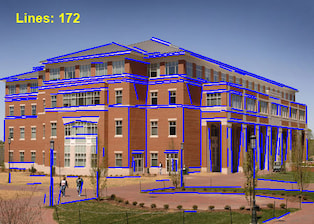
lines := ImageEnView1.IEBitmap.GetIEVisionImage().detectLines( ievLSDDetector );
for i := 0 to lines.size() - 1 do
begin
sc := lines.getScalarInt32(i);
with ImageEnView1.IEBitmap.Canvas do
begin
Pen.Width := 2;
Pen.Color := clRed;
MoveTo( sc.val[0], sc.val[1] );
LineTo( sc.val[2], sc.val[3] );
end;
end;
ImageEnView1.Proc.TextOut( Align_Text_Near_Left, Align_Text_Near_Top, Format( 'Lines: %d', [ lines.size ]), 'Arial', 12, Text_Color, [fsBold] );
ImageEnView1.Update();
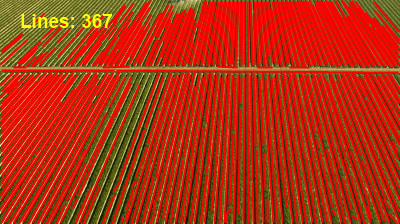
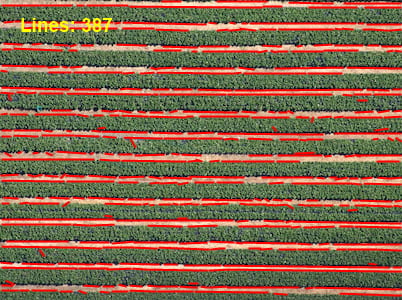
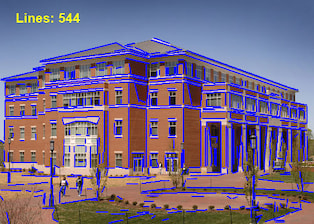
See Also
◼houghLines◼DrawLines