TIEVisionImage.sauvolaThreshold
Declaration
function sauvolaThreshold(windowHalfSize: int32_t = 30; k: Double = 0.2): TIEVisionImage; safecall;Description
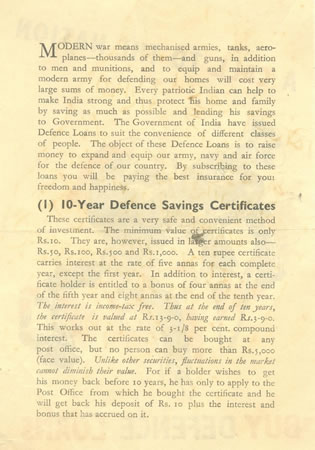
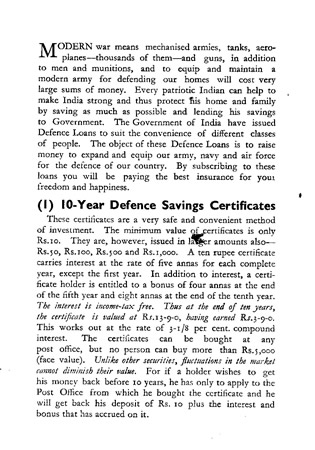
Converts the image to black and white using Sauvola local adaptive binarization (via Leptonica).Unlike a global threshold, the threshold is calculated separately for each pixel from the mean and standard deviation of the pixels around it, so text remains readable where lighting is uneven, or there are shadows, stains or gradients.
Returns a new 8-bit gray image where text (dark) is 0 and the background is 255. The current image is not changed. Color and 1-bit images are converted to gray first.
| Parameter | Description |
|---|---|
| windowHalfSize | Half the width of the local window (the window is 2 * windowHalfSize + 1 pixels). About 3x the text height works well. Must be at least 2 |
| k | Sauvola factor, typically 0.2 to 0.5. Higher values make the result lighter (less noise, but thinner, broken text) |
Note: If the image is too small for the window, the window is reduced; very small images are thresholded with Otsu instead.
Demo
 | Demos\ImageEditing\EveryMethod\EveryMethod.dpr |
Examples
Also see: Automated Samples
bw := ImageEnView1.IEBitmap.GetIEVisionImage().sauvolaThreshold( 30, 0.2 );ImageEnView1.IEBitmap.AssignIEVisionImage( bw );
ImageEnView1.Update();
// Convert a document to black & white using Sauvola local binarization (good for uneven lighting)
ImageEnView1.IEBitmap.AssignIEVisionImage( ImageEnView1.IEBitmap.GetIEVisionImage().sauvolaThreshold( 30, 0.20 ));
ImageEnView1.Update(); // Show changes in our viewer

See Also
◼prepareForOCR◼adaptiveThreshold
◼threshold
◼ConvertToBWLocalThreshold
◼ConvertToBWThreshold