| T O P I C R E V I E W |
| andyhill |
Posted - Sep 05 2025 : 20:01:17
Recently I needed to OCR a screen shot image that consisted of a white background, several assorted colour text lines (with white background), faint off white grid lines seperating the text lines and a selected row that was heavily coloured in background with white text overlay.
Standard processing of the image miss read the "faint off white grid lines" as spurious characters as well as avoided all together the selected row (it was too dark).
Steps involved to massage the image before OCRing it:-
1) Locate the heavily coloured selected row area.
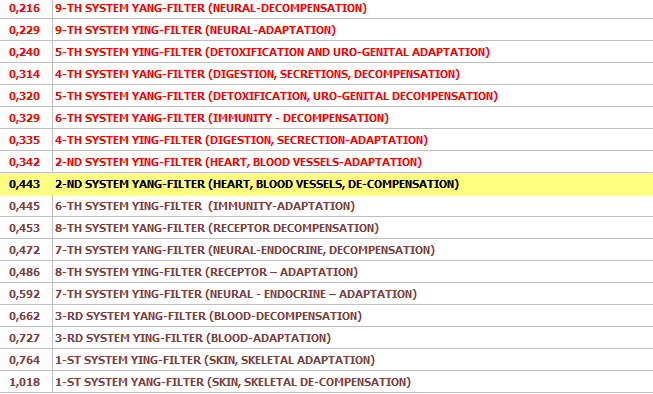
2) Change the "faint off white pixel grid" within the selected row area (1) back to the same heavily coloured background colour.
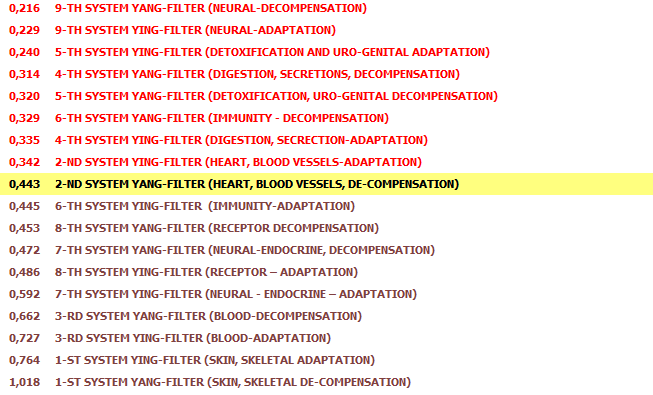
3) Convert the remaining image "faint off white pixel grid" to white.
4) Make an ImageEnView selection of the selected row area (1)
5) ImageEnView1.Proc.Negative(); THIS WAS IMPERITIVE - Thank You Nigel
6) Our "heavily coloured in background with white text overlay" is now Black Text on a Yellow background.
7) Changed yellow background to white
The result, very good OCR output via IEVision.
Andy |
| 3 L A T E S T R E P L I E S (Newest First) |
| xequte |
Posted - Sep 06 2025 : 23:52:57
Nice one, Andy 
Nigel
Xequte Software
www.imageen.com
|
| andyhill |
Posted - Sep 06 2025 : 17:24:51
Original Screen Shot
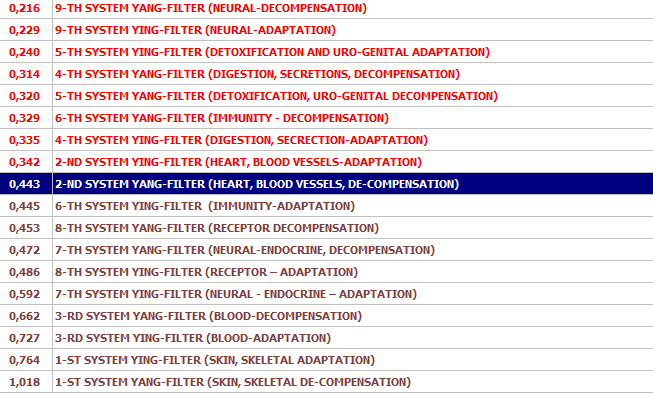
Identify Select Row Region

Replace Grid border with Selected Row Background Colour

Negate Selected Row Region
Remove ALL Remaining Grid Borders
Replace Yellow With White
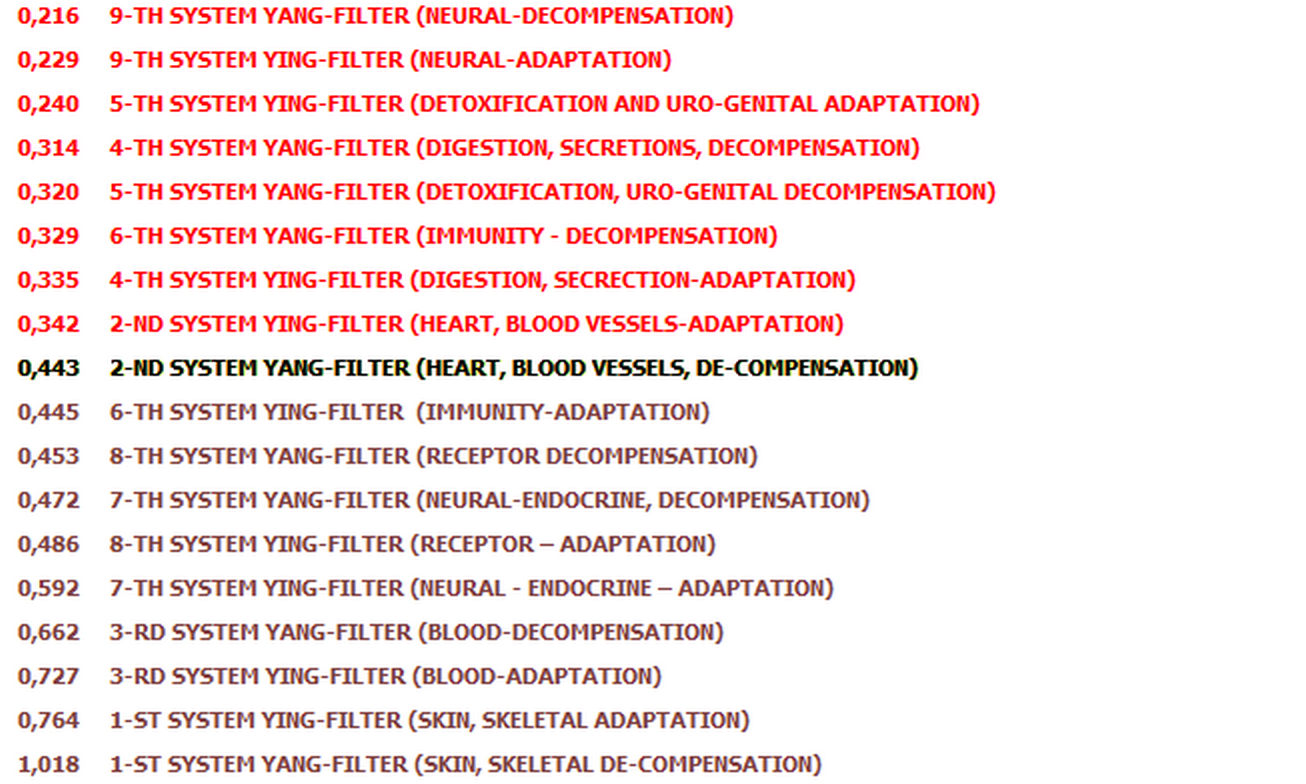
Andy |
| xequte |
Posted - Sep 05 2025 : 21:14:56
Nice work, Andy
Perhaps you can attach a before and after image.
Nigel
Xequte Software
www.imageen.com
|
 Search



