| T O P I C R E V I E W |
| HMArnold |
Posted - Nov 02 2025 : 15:10:40
I have polygons I would like to edit the shape of. I have great node grips and can move them at will.
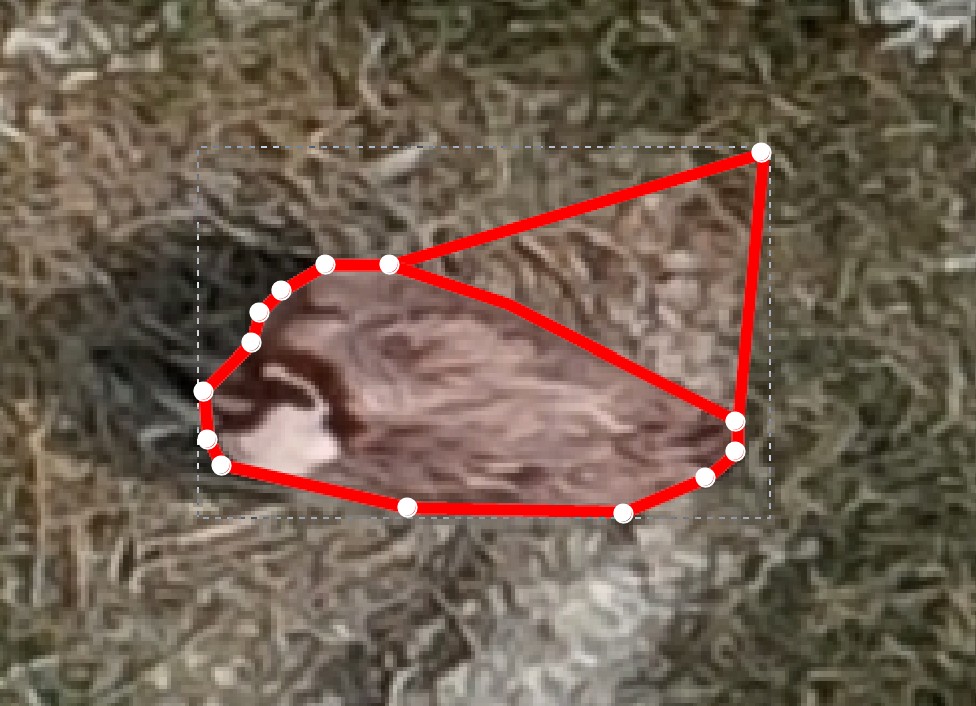
The problem I'm having is that while I'm moving nodes, the old lines remain showing on the image.
I've tried repaint and update on MouseUp, but the old lines still show after the nodes have been moved.
In the attached image the node to the upper right has been moved, but the line connecting where it was before is still visible.
It makes any kind of meaningful editing difficult.
Is there a demo about editing nodes of a closed polygon that might show this?
Thanks
HM Arnold |
| 4 L A T E S T R E P L I E S (Newest First) |
| xequte |
Posted - Nov 03 2025 : 18:36:39
Hi
No worries. Glad to hear you got to the bottom of it.
Nigel
Xequte Software
www.imageen.com
|
| HMArnold |
Posted - Nov 03 2025 : 02:04:40
OK, not so smart...
I was defining the polygon from a Delphi "Activate Form" procedure, and as soon as you touch the image to select the polygon, it was re-firing the "Activate Form" and drawing a second polygon with exactly the same nodes and colors.
What was showing was the underneath polygon.
All my fault
HM Arnold |
| HMArnold |
Posted - Nov 03 2025 : 01:51:59
Thanks for the response.
I'm using : ImageEn_SRC_13.1.0_13710
with Delphi V12
I went back to code from when I was learning your new layer system, and it does not have the same problem
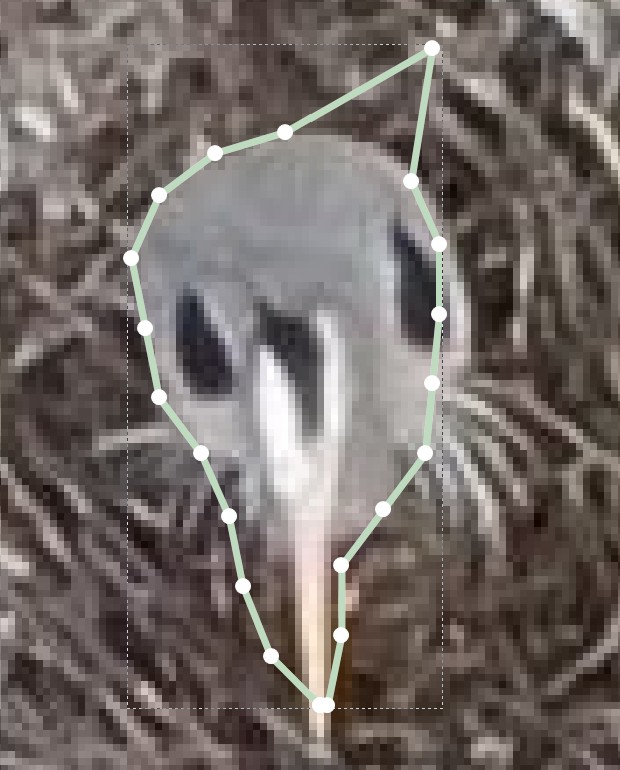
So, it's something different in the settings or something wrong I've done.
When I find the difference I'll report back
HM Arnold |
| xequte |
Posted - Nov 02 2025 : 19:24:26
Hi
Are you able to reproduce that in our Line Layers demo:
\Demos\LayerEditing\Layers_Lines\Layers.dpr
What version of ImageEn and Delphi are you using?
Nigel
Xequte Software
www.imageen.com
|
 Search



