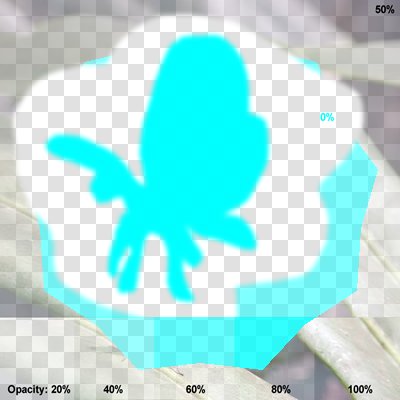
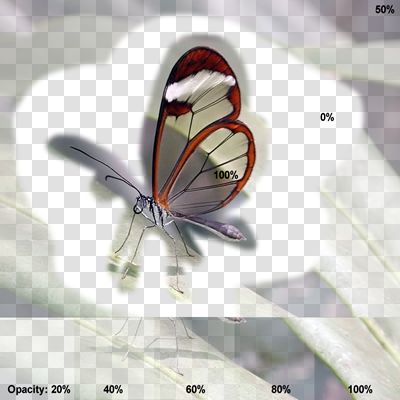
Code samples for fillPoly (Automatically generated by the Every Method demo).
// Automated test of fillPoly - Typical Values
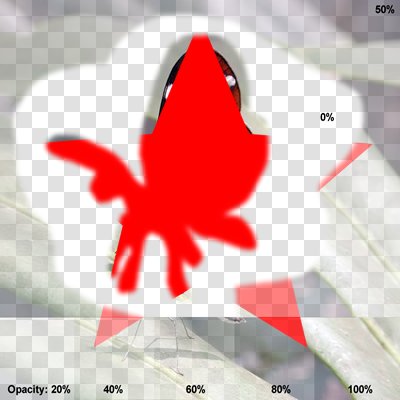
// TIEVisionDrawing.fillPoly - Star Points: 5, Hole: false, Antialiased: true
star := IEVisionLib().createVectorPoint();
for i := 0 to 9 do
begin
if Odd( i ) then r := 81 else r := 180;
star.push_back( IEVisionPoint( 200 + Round( r * Sin( i * PI / 5 )), 200 - Round( r * Cos( i * PI / 5 ))));
end;
IEVisionLib().createDrawing().fillPoly( ImageEnView1.IEBitmap.GetIEVisionImage(), star, IEVisionScalar( 0, 0, 255 ), 16 );
ImageEnView1.Update();



// Automated test of fillPoly - Alpha Channel - Typical Values
// TIEVisionDrawing.fillPoly - Star Points: 5, Hole: false, Antialiased: true
star := IEVisionLib().createVectorPoint();
for i := 0 to 9 do
begin
if Odd( i ) then r := 81 else r := 180;
star.push_back( IEVisionPoint( 200 + Round( r * Sin( i * PI / 5 )), 200 - Round( r * Cos( i * PI / 5 ))));
end;
IEVisionLib().createDrawing().fillPoly( ImageEnView1.IEBitmap.GetIEVisionImage(), star, IEVisionScalar( 0, 0, 255 ), 16 );
ImageEnView1.Update();
// Automated test of fillPoly - Random Values
// TIEVisionDrawing.fillPoly - Star Points: 9, Hole: false, Antialiased: false
star := IEVisionLib().createVectorPoint();
for i := 0 to 17 do
begin
if Odd( i ) then r := 162 else r := 180;
star.push_back( IEVisionPoint( 200 + Round( r * Sin( i * PI / 9 )), 200 - Round( r * Cos( i * PI / 9 ))));
end;
IEVisionLib().createDrawing().fillPoly( ImageEnView1.IEBitmap.GetIEVisionImage(), star, IEVisionScalar( 255, 255, 0 ), 8 );
ImageEnView1.Update();

// Automated test of fillPoly - Alpha Channel - Random Values
// TIEVisionDrawing.fillPoly - Star Points: 9, Hole: false, Antialiased: false
star := IEVisionLib().createVectorPoint();
for i := 0 to 17 do
begin
if Odd( i ) then r := 162 else r := 180;
star.push_back( IEVisionPoint( 200 + Round( r * Sin( i * PI / 9 )), 200 - Round( r * Cos( i * PI / 9 ))));
end;
IEVisionLib().createDrawing().fillPoly( ImageEnView1.IEBitmap.GetIEVisionImage(), star, IEVisionScalar( 255, 255, 0 ), 8 );
ImageEnView1.Update();