TIEVisionImage.removeLines
Declaration
function removeLines(directions: TIEVisionLineDirections = ievLinesBoth; minLength: int32_t = 0; maxThickness: int32_t = 0; repairText: bool32 = True): TIEVisionImage; safecall;Description
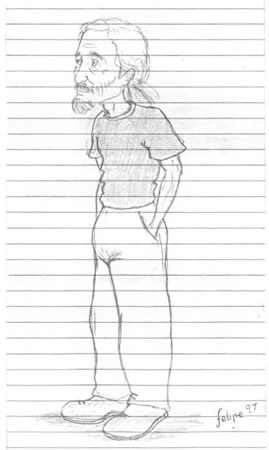
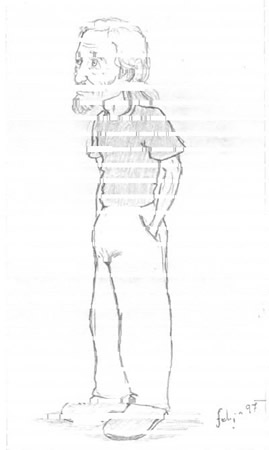
Removes the straight horizontal and vertical lines of a document image, such as the lines of forms and tables, boxes around fields and underlines. Lines that touch or cross the text are a common cause of OCR errors.The lines are painted with the background color. Text, and filled areas such as logos or bold headings, are kept.
Returns a new 8-bit gray image (a black and white image stays black and white). The current image is not changed.
| Parameter | Description |
|---|---|
| directions | Remove horizontal lines, vertical lines or both |
| minLength | Shortest line to remove, in pixels. Must be longer than any character. 0 (default) chooses it automatically from the text height and image size |
| maxThickness | Thickest line to remove (its average thickness), in pixels. 0 (default) uses a quarter of the text height (at least 3) |
| repairText | Reconnects characters that were cut where they crossed or touched a removed line |
Note:
◼The image should be dark text on a light background
◼Lines must be horizontal or vertical, so deskew the image first if needed
◼This is also available as a step of prepareForOCR (ievOCRPrepRemoveLines)
Demo
 | Demos\ImageEditing\EveryMethod\EveryMethod.dpr |
Examples
Also see: Automated Samples
// Remove the lines of a form before OCRimg := ImageEnView1.IEBitmap.GetIEVisionImage().removeLines();
ImageEnView1.IEBitmap.AssignIEVisionImage( img );
ImageEnView1.Update();
// Remove only underlines at least 100 pixels long
img := ImageEnView1.IEBitmap.GetIEVisionImage().removeLines( ievLinesHorizontal, 100 );
// Remove the form and table lines, and underlines of a document
ImageEnView1.IEBitmap.AssignIEVisionImage( ImageEnView1.IEBitmap.GetIEVisionImage().removeLines( ievLinesBoth, 0, 0, True ));
ImageEnView1.Update(); // Show changes in our viewer

See Also
◼getLineMask◼prepareForOCR
◼removeSpeckles