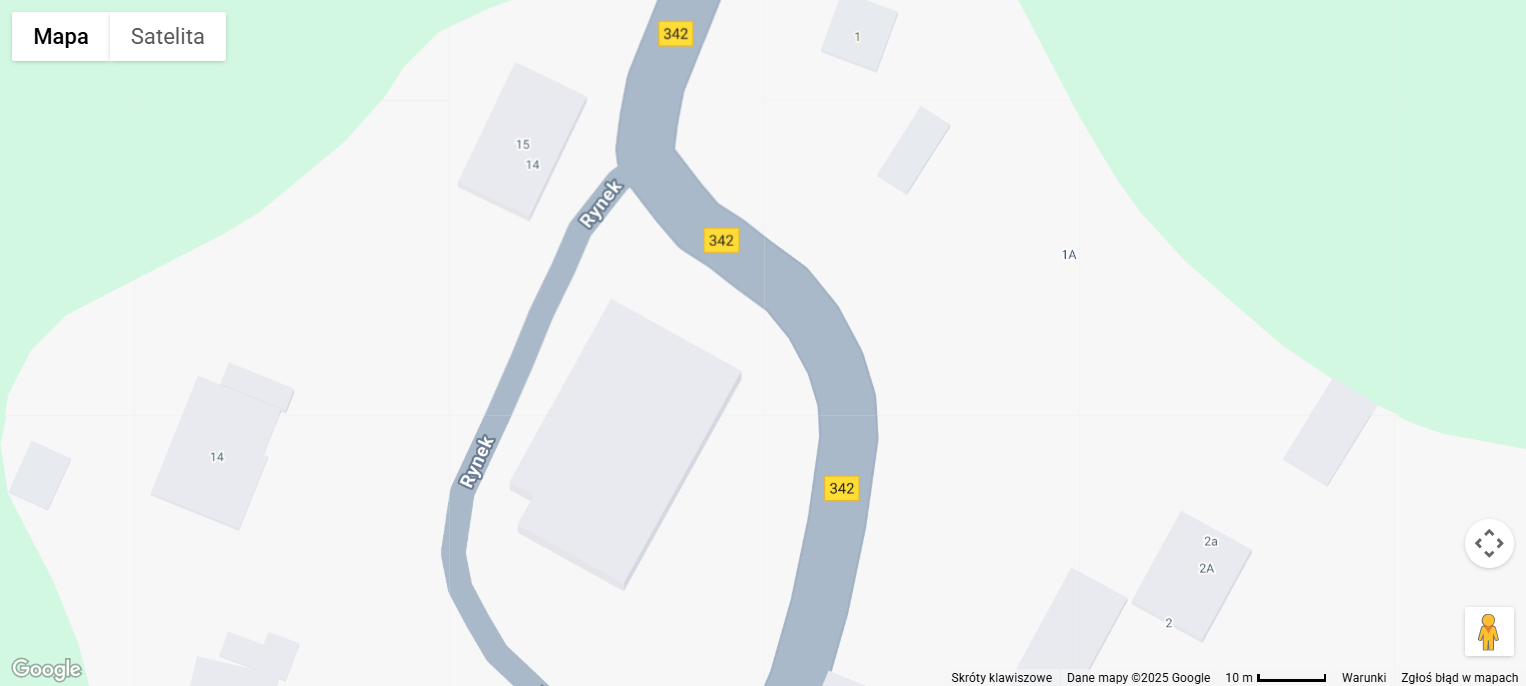
Hello, I'd like to use images of different DPI in my application and print them in correct scale. But can'not read DPI for attached jpg file. The file is a screenshot I got from Google map.
The Windows 11 properties window shows the DPI for it = 96. But in my application I see 300.
Hi, I have some problem calling it despite I have unit iesettings declared in the line IEGlobalSettings.CopyIEStatusToClipboard(); I get the message: [dcc32 Error] uiePOR.pas(3807): E2003 Undeclared identifier: 'CopyIEStatusToClipboard'
But in the same unit I have other calls like IEGlobalSettings().DefaultMeasureUnit := ieuMeters; and this compiles ok
This is the information from version.txt file ImageEn 13.7.0 Packages Version : 13.7.0.5461 Date : 2024/1/21 Target : Delphi 10.4 Sydney 32bit Should I install update? S.Kowalski
Hi, I installed the v.14.2.7 and have no error in compiler in the line IEGlobalSettings.CopyIEStatusToClipboard();
but in the runtime I get the error message "A required library file iepdf32.dll is older than the minimum supported version the v.140.0.7249" and finally the showMessage ( inttostr( iPor.IO.Params.DPI )) ; displays 300 DPI
May be the reason is the lack of requested dll version, but I can not find the iepdf32.dll in the download page
I'd like to correct my previous message: when I added to my project the line: , ieNativeJPEG, ieNativePNG, ieNativeJ2K // Important Compatibility Information (from v14.2.0)
for this test.jpg - the DPI I get is 120 DPI - the Windows file details information show 96 DPI - the Paint application image properties show 120 DPI - as in my project
and I still have the message: "A required library file iepdf32.dll is older than the minimum supported version the v.140.0.7249"
 Search


 How to get jpg file DPI


 Posted - Nov 23 2025 : 15:43:11