The "Every Method" editing demo allows you to preview 300 editing, analysis and effects methods, and generate sample code.
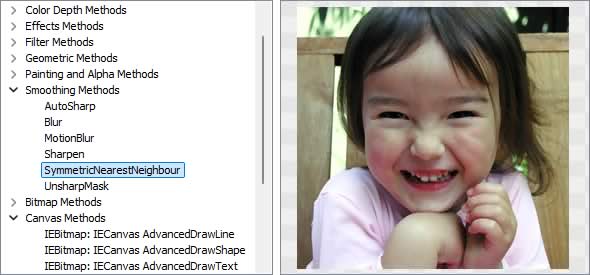
Image Editing Methods
◼Analysis Methods◼Color Adjustment Methods
◼Color Depth Methods
◼Detection Methods
◼Effects Methods
◼Filter Methods
◼Geometric Methods
◼Painting and Alpha Methods
◼Smoothing Methods
◼Other Methods
◼Selection Methods
◼Interactive Tools
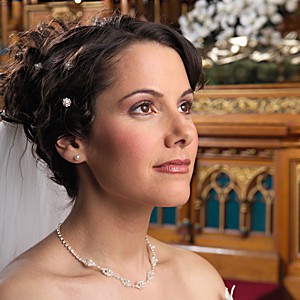
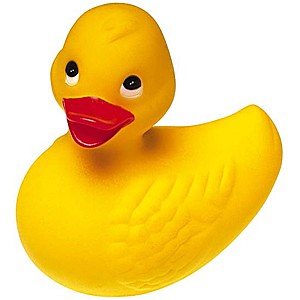
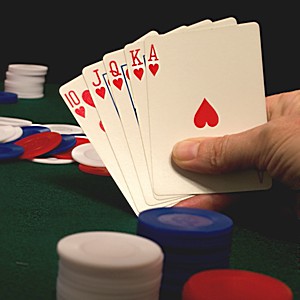
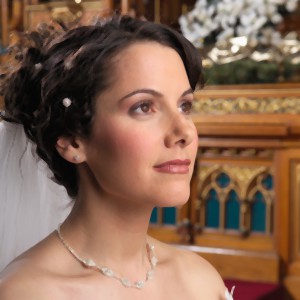
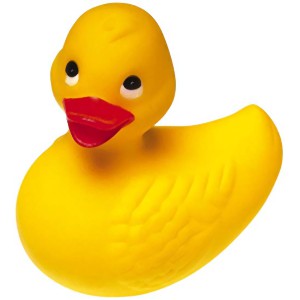
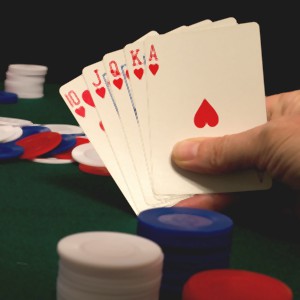
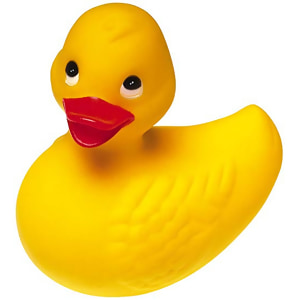
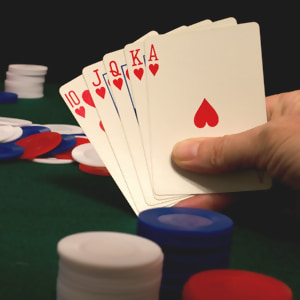
Test Images
ImageEnView1.IO.LoadFromFile( 'D:\ImageTest1.jpg' );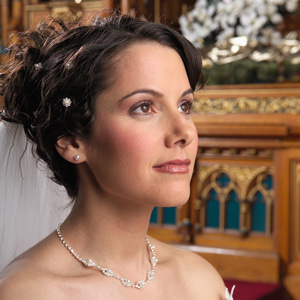
AutoSharp
// Automatically increase image sharpness by enhancing the contours of detected objectsImageEnView1.Proc.AutoSharp();
Blur
// Apply a Gaussian Blur filter to reduce detail and noiseImageEnView1.Proc.Blur( 4 );
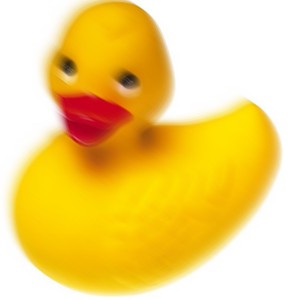
MotionBlur
// Apply a diagonal effect of motion to imageImageEnView1.Proc.MotionBlur( 45 );
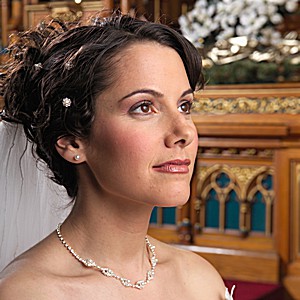
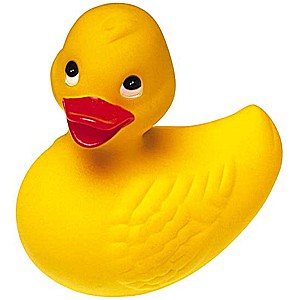
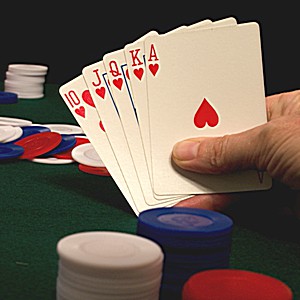
Sharpen
// Apply a sharpening filter to the imageImageEnView1.Proc.Sharpen();
SymmetricNearestNeighbour
// Apply a "Symmetric Nearest Neighbour" smoothing filter to the imageImageEnView1.Proc.SymmetricNearestNeighbour();
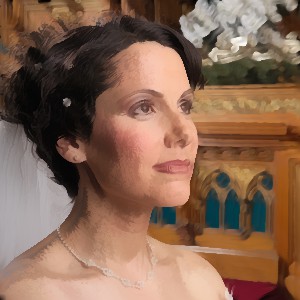
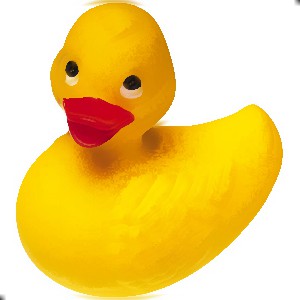
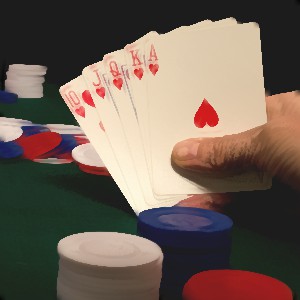
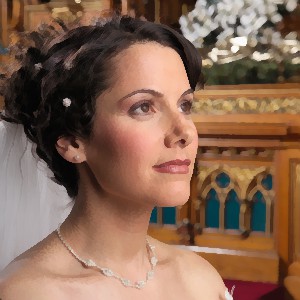
// Less aggressive SNN smoothing
ImageEnView1.Proc.SymmetricNearestNeighbour(2);
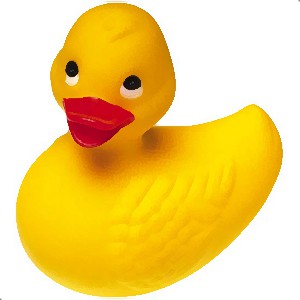
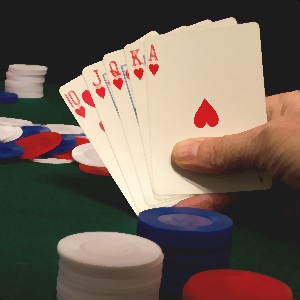
UnsharpMask
// Apply a gaussian blur to the imageImageEnView1.Proc.UnsharpMask();
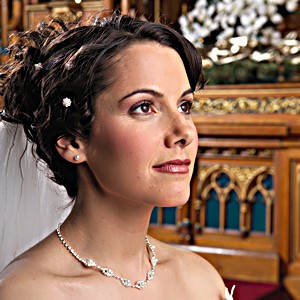
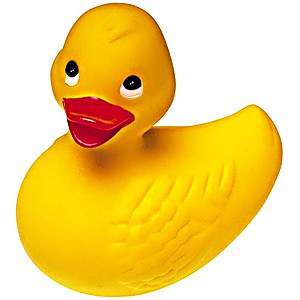
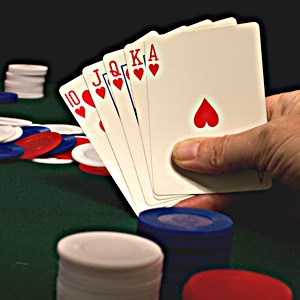
blur (IEVision)
// Blurs an image using the normalized box filterImageEnView1.IEBitmap.GetIEVisionImage().blur( IEVisionSize( 4, 4 ), IEVisionPoint(-1, -1) );
ImageEnView1.Update();

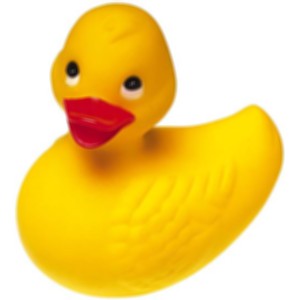
fastNlMeansDenoisingColored (IEVision)
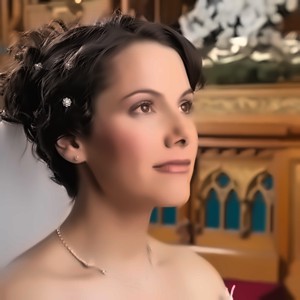
// Perform image denoising using the Non-local Means Denoising algorithmImageEnView1.IEBitmap.GetIEVisionImage().fastNlMeansDenoisingColored();
ImageEnView1.Update();

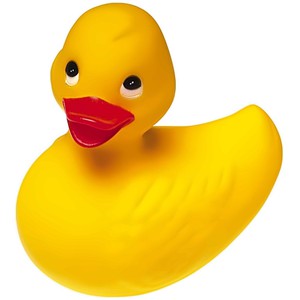
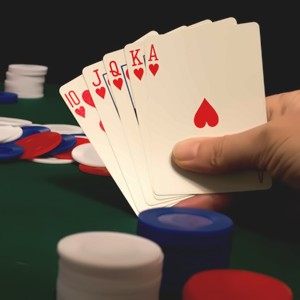
// Perform more aggressive denoising
ImageEnView1.IEBitmap.GetIEVisionImage().fastNlMeansDenoisingColored( 10, 10 );
ImageEnView1.Update();
smooth (IEVision)
// Smooth image using BlurImageEnView1.IEBitmap.GetIEVisionImage().smooth( ievBLUR, 3, 3 );
ImageEnView1.Update();

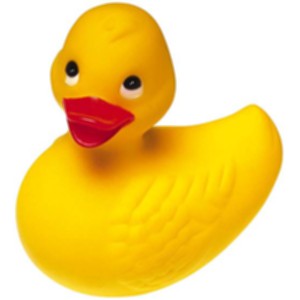
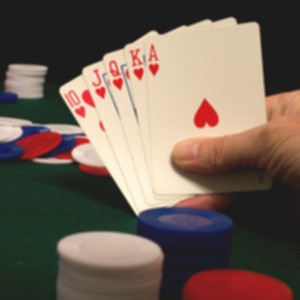
// Smooth image using Gaussian
// Parameter values specify the kernel size and must be odd
ImageEnView1.IEBitmap.GetIEVisionImage().smooth( ievGAUSSIAN, 3, 3 );
ImageEnView1.Update();

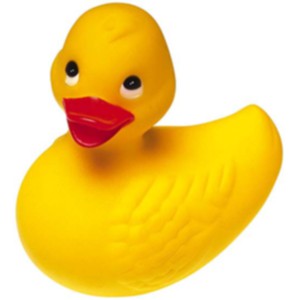
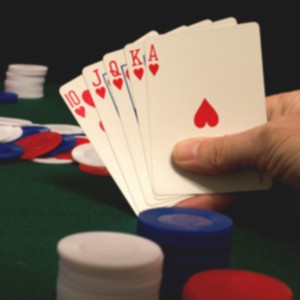
// Smooth image using Median
// Parameter values specify the aperture size and must be odd
ImageEnView1.IEBitmap.GetIEVisionImage().smooth( ievMEDIAN, 3 );
ImageEnView1.Update();
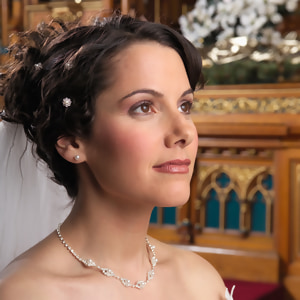
// Smooth image using Bilateral
// For Param3 and Param4, values in the range 30 - 100 are best
ImageEnView1.IEBitmap.GetIEVisionImage().smooth( ievBILATERAL, 5, 0, 30, 30 );
ImageEnView1.Update();
RemoveNoise
ImageEnView1.Proc.RemoveNoise();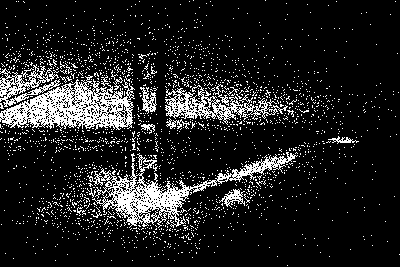

RemoveIsolatedPixels
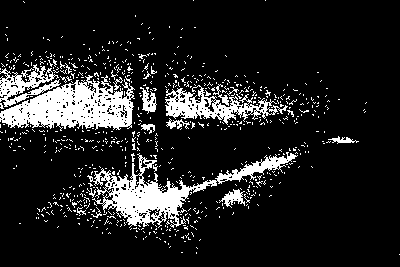
// Remove single isolated white pixelsImageEnView1.Proc.RemoveIsolatedPixels( 1, 1 );
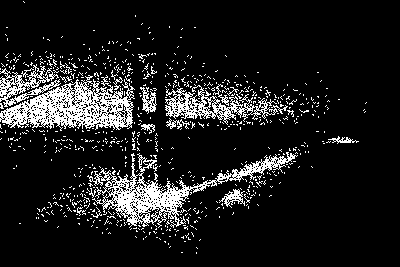
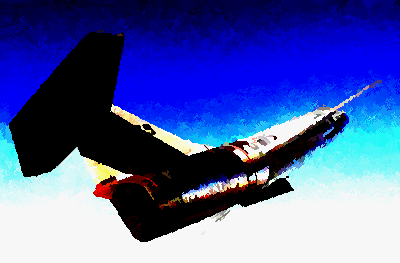
// Remove pixel blocks of less than 16 pixels (e.g. 4x4) from a color image
ImageEnView1.Proc.RemoveIsolatedPixels( -1, 16 );

See Also
◼Analysis Methods◼Color Adjustment Methods
◼Color Depth Methods
◼Detection Methods
◼Effects Methods
◼Filter Methods
◼Geometric Methods
◼Painting and Alpha Methods
◼Smoothing Methods
◼Other Methods
◼Selection Methods
◼Interactive Tools