TIEViewRulerParams.InvalidTextColor
Declaration
property InvalidTextColor: TColor;Description
Specify the color of the ruler value text.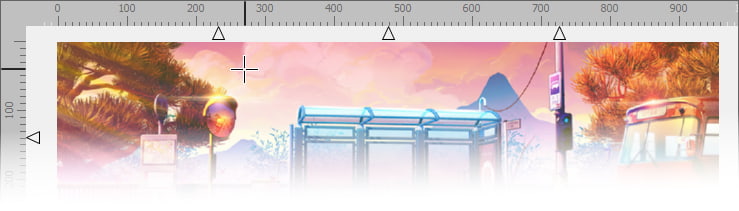
Note:
◼This value is ignored if LegacyStyle is enabled (in which case clGrayText is used)
◼It may also be overridden by VCL theming colors. Set EnableTheming to False to prevent this
◼The style of the text is specified by Font
Default: cl3DLight
Ruler Colors
| MeasureColor | Background color of the measurement area |
| Color | Background color of the grip area |
| TextColor | Color of the measurement text |
| InvalidTextColor | Color of the measurement text for invalid/negative values |
Example
// Set the text colorImageEnView1.RulerParams.TextColor := clBlack;
ImageEnView1.RulerParams.InvalidTextColor := clGray;
See Also
◼Font◼ParentFont