The "Every Method" editing demo allows you to preview 300 editing, analysis and effects methods, and generate sample code.
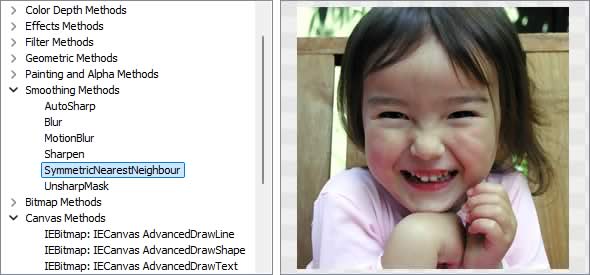
Image Editing Methods
◼Analysis Methods◼Color Adjustment Methods
◼Color Depth Methods
◼Detection Methods
◼Special Detection Methods
◼Document Methods
◼Drawing Methods
◼Effects Methods
◼Filter Methods
◼Geometric Methods
◼Painting and Alpha Methods
◼Smoothing Methods
◼Other Methods
◼Selection Methods
◼Interactive Tools
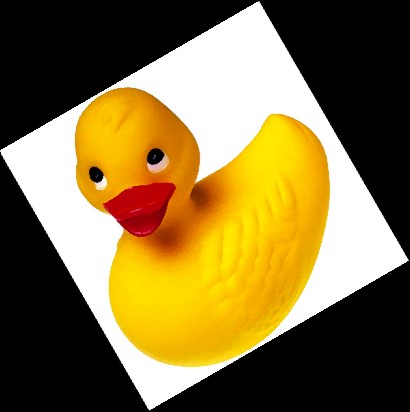
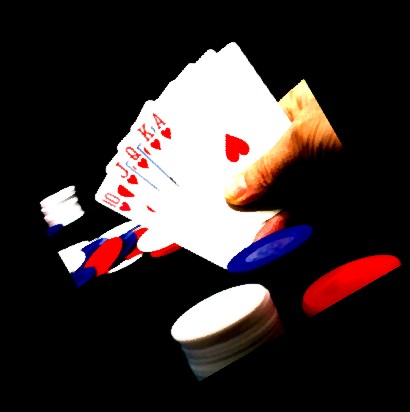
Test Images
ImageEnView1.IO.LoadFromFile( 'D:\ImageTest1.jpg' );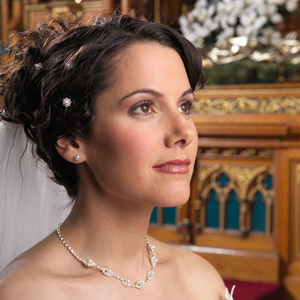
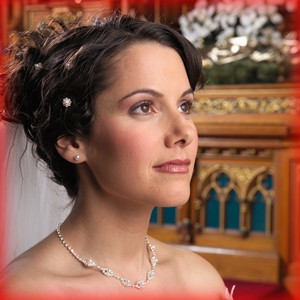
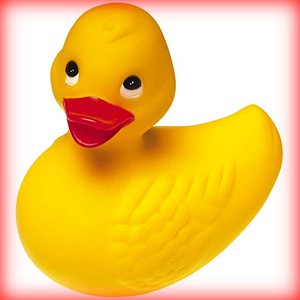
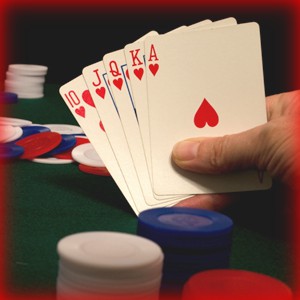
AddInnerShadow
// Add a red shadow to the inner border of the imageImageEnView1.Proc.AddInnerShadow( 10, 0, 0, clRed );
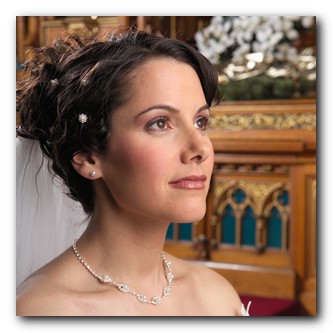
AddSoftShadow
// Add a shadow to the bottom-right of the imageImageEnView1.Proc.AddSoftShadow( 5, 4, iespBottomRight );
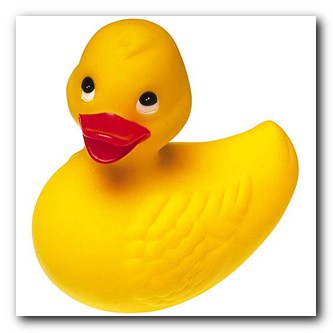
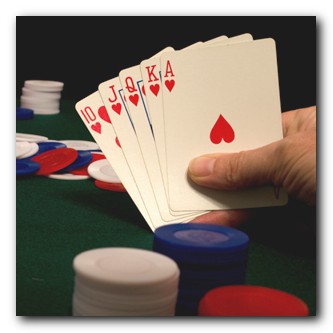
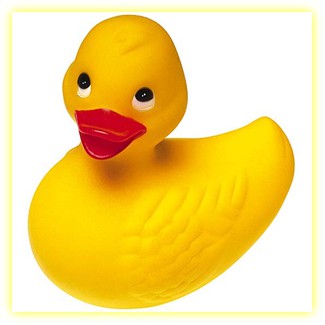
// Add a yellow glow to the image
ImageEnView1.Proc.AddSoftShadow( 5, 0, 0, True, clYellow );
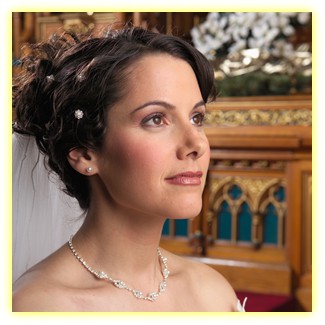
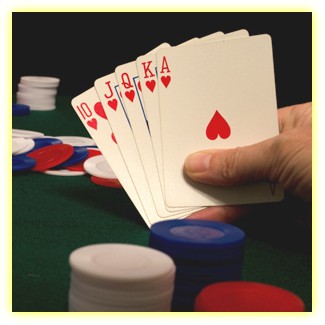
BumpMapping
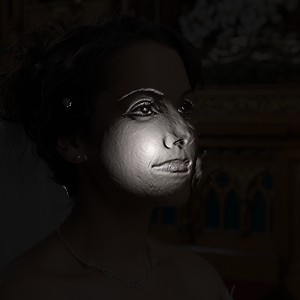
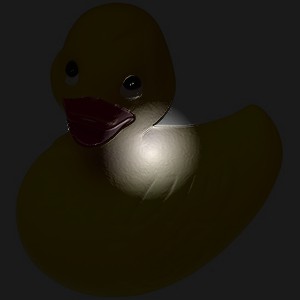
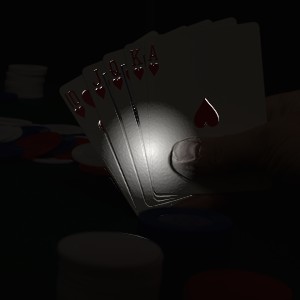
// Apply a bump mapping effect to the imageImageEnView1.Proc.BumpMapping( ImageEnView1.IEBitmap.Width div 2,
ImageEnView1.IEBitmap.Height div 2,
50, 50,
10, CreateRGB(255, 255, 255) );
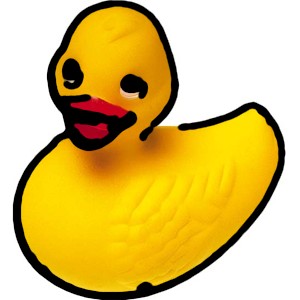
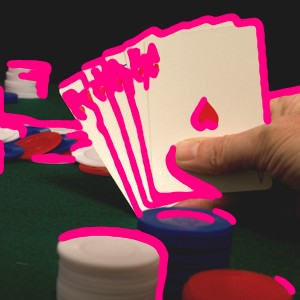
Cartoonify
// Convert image to cartoonImageEnView1.Proc.Cartoonify( 2 );
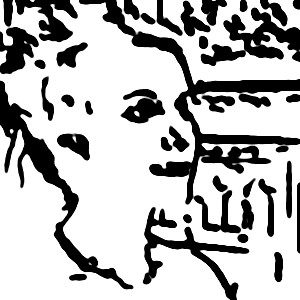
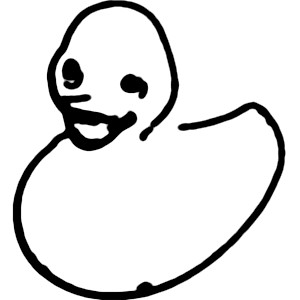
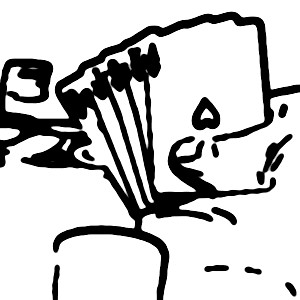
// Overlay cartoon effect onto image
ImageEnView1.Proc.Cartoonify( clWhite, True );
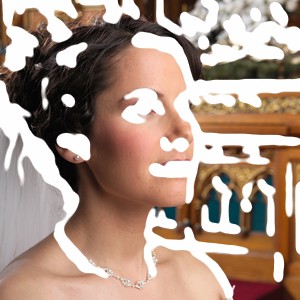
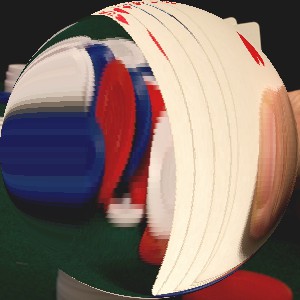
Lens
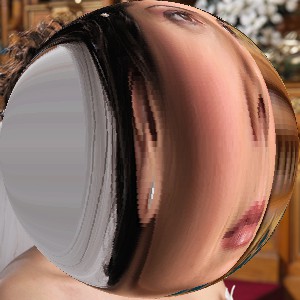
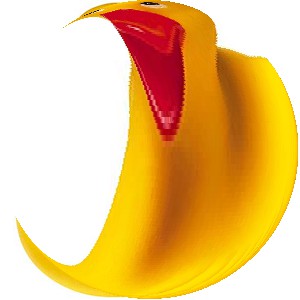
// Apply a lens effect to the center of the imageImageEnView1.Proc.Lens( ImageEnView1.IEBitmap.Width div 2,
ImageEnView1.IEBitmap.Height div 2,
ImageEnView1.IEBitmap.Width,
ImageEnView1.IEBitmap.Height,
6 );
makeBorder (IEVision)
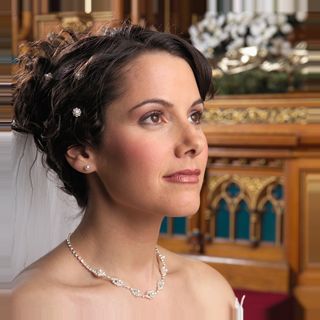
// Add a 10px border to all sides by replicating edge contentim := ImageEnView1.IEBitmap.GetIEVisionImage();
im.makeBorder( 10, 10, 10, 10, ievBORDER_REPLICATE, IEVisionScalar( 0, 0, 0 ));
ImageEnView1.IEBitmap.AssignIEVisionImage(im);
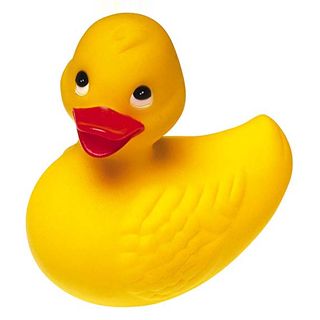
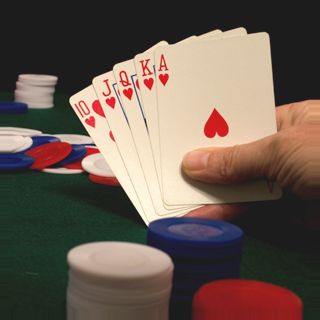
// Add a 10px border to all sides by reflecting edge content
im := ImageEnView1.IEBitmap.GetIEVisionImage();
im.makeBorder( 10, 10, 10, 10, ievBORDER_REFLECT, IEVisionScalar( 0, 0, 0 ));
ImageEnView1.IEBitmap.AssignIEVisionImage(im);
Pixelize
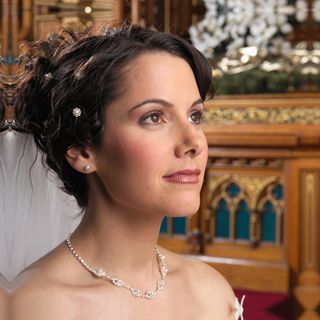
// Apply pixelation to the selection (with blocks of 2% size)ImageEnView1.Proc.Pixelize( 0.02 );
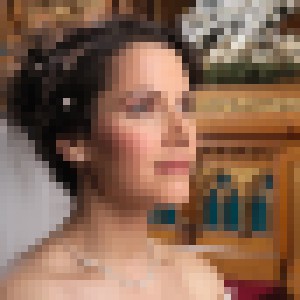
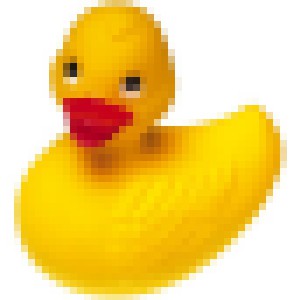
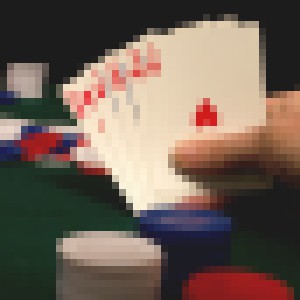
// Pixelize the image and trim any partial blocks (blockCount must be >= 2)
blockCount := 10;
blockSize := Round( min( ImageEnView1.IEBitmap.Width, ImageEnView1.IEBitmap.Height) / blockCount );
ImageEnView1.Proc.Pixelize( blockSize, False );
ImageEnView1.Proc.ImageResize( ImageEnView1.IEBitmap.Width div blockSize * blockSize, ImageEnView1.IEBitmap.Height div blockSize * blockSize );


PencilSketch
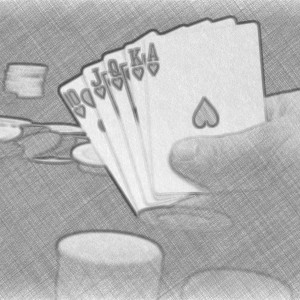
// Transform image into a monochrome pencil sketchImageEnView1.Proc.PencilSketch( True );
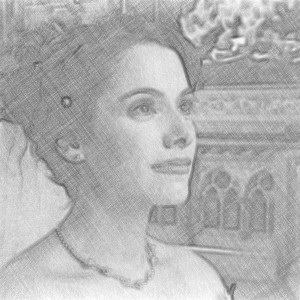
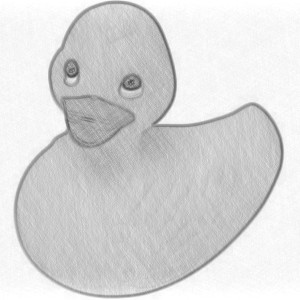
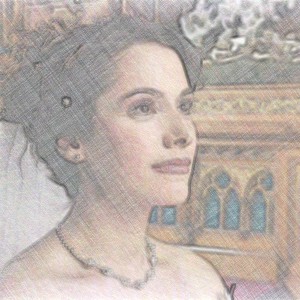
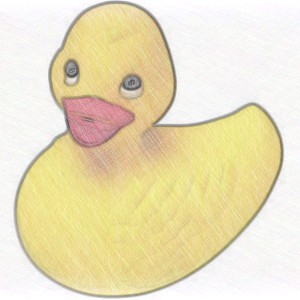
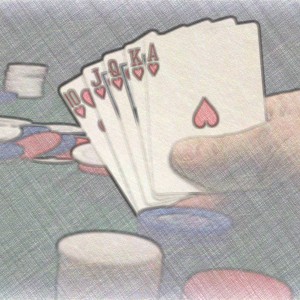
// Transform image into a color pencil sketch
ImageEnView1.Proc.PencilSketch( False );
Reflection
// Simulate a reflection of the imageImageEnView1.Proc.Reflection();
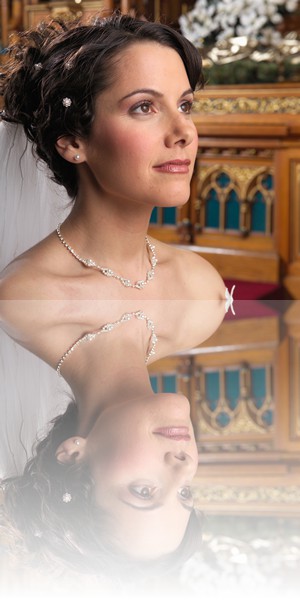
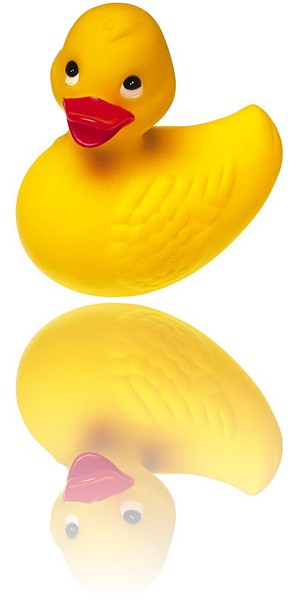
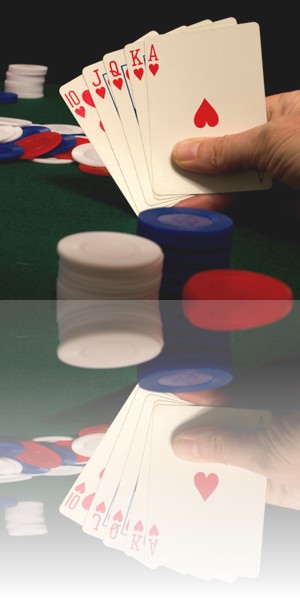
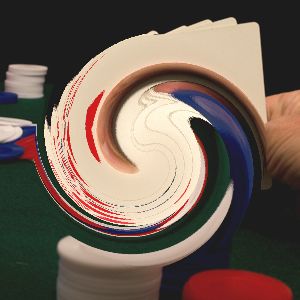
Swirl
// Apply a swirl effect to the center of the imageImageEnView1.Proc.Swirl( -1, -1, Round( ImageEnView1.Height * 0.4 ), 0.80 );

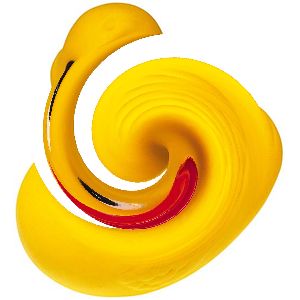
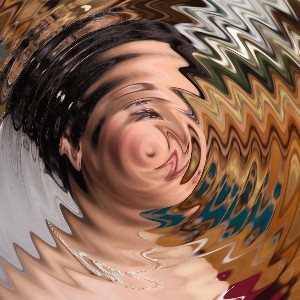
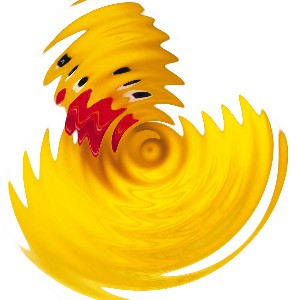
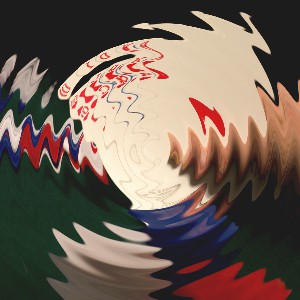
Wave
// Apply a wave effect to the imageImageEnView1.Proc.Wave( 10, 10, 0, False );
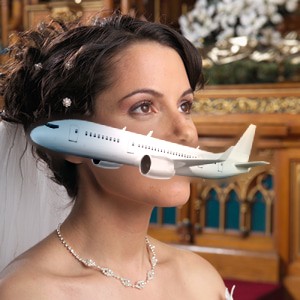
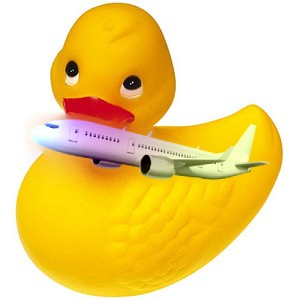
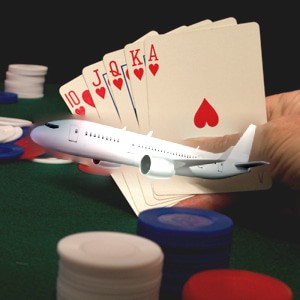
seamlessClone (IEVision)
// Seamlessly clone a transparent PNG onto the image at 400,300, using its alpha channel as the maskbmp := TIEBitmap.Create( 'D:\Plane.png' );
bmp.Resize( 10, 10, 10, 10, 0, 0 ); // Add a transparent border
maskBmp := TIEBitmap.Create( bmp.AlphaChannel );
maskBmp.GetIEVisionImage().threshold( 127, 255, ievTHRESH_BINARY );
srcBmp := TIEBitmap.Create( bmp );
srcBmp.RemoveAlphaChannel( False );
ImageEnView1.IEBitmap.PixelFormat := ie24RGB;
ImageEnView1.IEBitmap.AssignIEVisionImage( ImageEnView1.IEBitmap.GetIEVisionImage().seamlessClone( srcBmp.GetIEVisionImage(), maskBmp.GetIEVisionImage(), IEVisionPoint( 400, 300 ), ievNORMAL_CLONE ));
ImageEnView1.Update();
bmp.Free();
maskBmp.Free();
srcBmp.Free();
EffectsChain
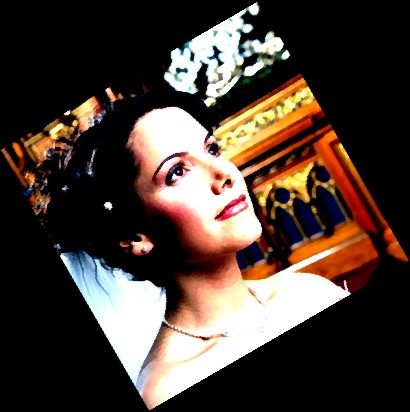
// Apply contrast, smoothing and rotation to the image using an effects chainImageEnView1.IEBitmap.EffectsChain.Enabled := True;
ImageEnView1.IEBitmap.EffectsChain.Clear();
ieOp := TIEImageEffect.Create();
// Apply contrast
ieOp.Operation := peContrast;
ieOp.Contrast_Contrast := 3;
ImageEnView1.IEBitmap.EffectsChain.Add( ieOp );
// Rotate image
ieOp.Operation := peRotate;
ieOp.Rotate_Angle := 30;
ImageEnView1.IEBitmap.EffectsChain.Add( ieOp );
// Apply Smoothing
ieOp.Operation := peSmoothing;
ieOp.Smooth_Method := SmoothMethod_SymmetricNearestNeighbour;
ieOp.Smooth_Strength := 1;
ImageEnView1.IEBitmap.EffectsChain.Add( ieOp );
ImageEnView1.IEBitmap.EffectsChain.Apply();
ImageEnView1.IEBitmap.EffectsChain.Enabled := False;
ieOp.Free();
See Also
◼Analysis Methods◼Color Adjustment Methods
◼Color Depth Methods
◼Detection Methods
◼Special Detection Methods
◼Document Methods
◼Drawing Methods
◼Effects Methods
◼Filter Methods
◼Geometric Methods
◼Painting and Alpha Methods
◼Smoothing Methods
◼Other Methods
◼Selection Methods
◼Interactive Tools