The "Every Method" editing demo allows you to preview 300 editing, analysis and effects methods, and generate sample code.
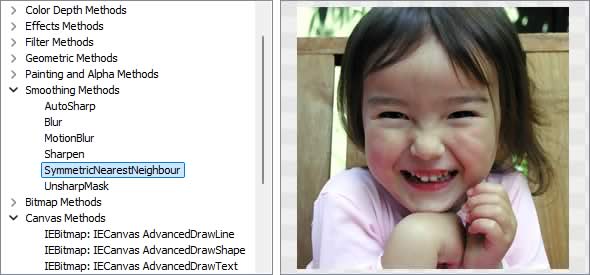
Image Editing Methods
◼Analysis Methods◼Color Adjustment Methods
◼Color Depth Methods
◼Detection Methods
◼Special Detection Methods
◼Document Methods
◼Drawing Methods
◼Effects Methods
◼Filter Methods
◼Geometric Methods
◼Painting and Alpha Methods
◼Smoothing Methods
◼Other Methods
◼Selection Methods
◼Interactive Tools
Test Images
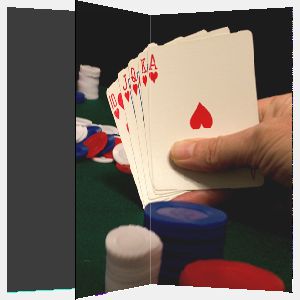
ImageEnView1.IO.LoadFromFile( 'D:\ImageTest1.jpg' );
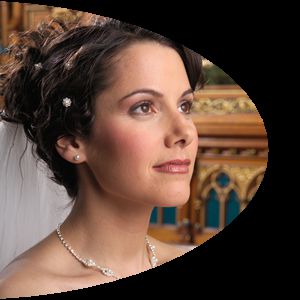
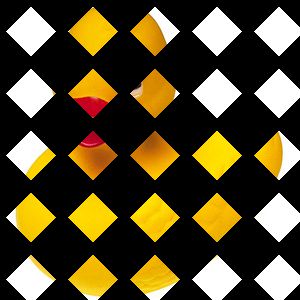
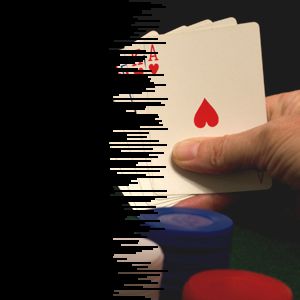
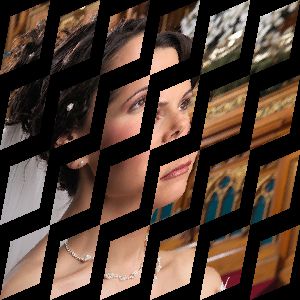
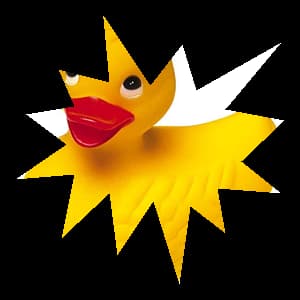
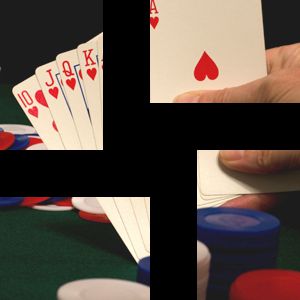
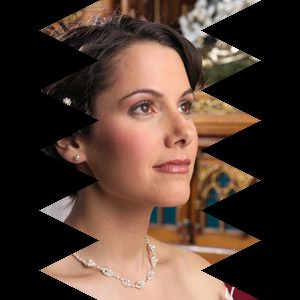
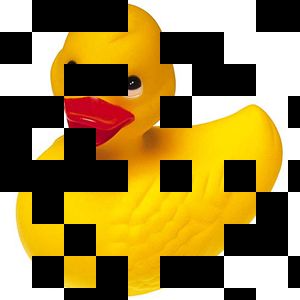
CreateTransitionBitmap
// Random transition from fully black to an imagebmpOut := TIEBitmap.Create( 'D:\TestImage.jpg' );
bmpIn := TIEBitmap.Create( bmpOut.Width, bmpOut.Height, clBlack );
// Prepare transition
trans := TIETransitionType( 1 + Random( ord( High( TIETransitionType )) - 2 ));
ImageEnView1.Proc.PrepareTransitionBitmaps( bmpIn, bmpOut, trans );
// Get transition image
ImageEnView1.Proc.CreateTransitionBitmap( percentage, ImageEnView1.IEBitmap );
createStitcher (IEVision)
// Stitch images together to create a panoramavar
images: TIEVisionVectorImageRef;
pano: TIEVisionImage;
status: TIEVisionStitchingStatus;
begin
images := IEVisionLib.createVectorImageRef();
images.push_back(IEVisionLib.createImage('image1.jpg'));
images.push_back(IEVisionLib.createImage('image2.jpg'));
images.push_back(IEVisionLib.createImage('image3.jpg'));
pano := IEVisionLib.createStitcher().stitch(images, status);
if status = ievSSOK then
ImageEnView1.IEBitmap.AssignIEVisionImage(pano);
end;

Encrypt
// Encrypt the imageImageEnView1.Proc.Encrypt( 'MyPassword', ieeaTEA2 );


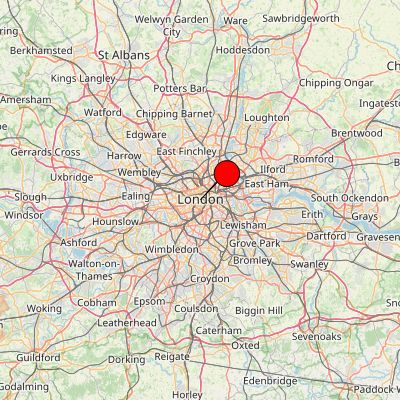
GenerateMap
// Generate a map of LondonImageEnView1.IEBitmap.GenerateMap( 400, 400, 51.50361, -0.12775, 9, iesmpOpenStreetMap, True, 40, clRed );
IEGenerateSampleImage
// Generate a sample ie8p format imagebmp := IEGenerateSampleImage( ie8p, 600, 400 );
ImageEnView1.Assign( bmp );
bmp.Free();

MakeTile
// Repeat the image 3 times horizontally and verticallyImageEnView1.Proc.MakeTile( 3, 3 );

Merge
// Merge image with a horizontally flipped version of itselfbmp.Assign( ienOriginal.IEBitmap );
bmp.Flip( fdHorizontal );
ImageEnView1.Proc.Merge( bmp, 50 );


ProjectDraw
// Project Draw image at 200, 200 (center), inside a box of 150x150, depth 400, rotating by 30° on Y axis, with specular effectImageEnView1.IEBitmap.Allocate( 600, 600, clBlack );
ImageEnView1.Proc.ProjectDraw( bmp, // Source
300, 160, // Dest pos (Center)
300, 300, // Dest size
400, // Depth
0, 0, // Translation (offset)
0, 30 // Rotation
0, 100 ); // Alpha Min/Max

RemoveRedEyes
// Remove "Red-Eyes" within image (should only be applied to a selection)ImageEnView1.Proc.RemoveRedEyes();



TIEVisionExposureMerger (IEVision)
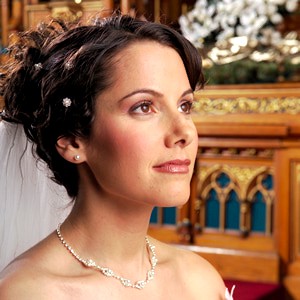
// Merge three images of differing exposure into onemerger := IEVisionLib().createExposureMerger();
bmp := TIEBitmap.Create();
bmp.Read( 'D:\Image1.jpg' );
merger.addImage( bmp.GetIEVisionImage() );
bmp.Read( 'D:\Image2.jpg' );
merger.addImage( bmp.GetIEVisionImage() );
bmp.Read( 'D:\Image3.jpg' );
merger.addImage( bmp.GetIEVisionImage() );
bmp.Free();
ImageEnView1.IEBitmap.AssignIEVisionImage( merger.run( False, 1.0, 1.0, 1.0 ));
// Or more simply using the helper method
mbmp := TIEMultiBitmap.Create();
mbmp.AppendImage( 'D:\Image1.jpg' );
mbmp.AppendImage( 'D:\Image2.jpg' );
mbmp.AppendImage( 'D:\Image3.jpg' );
mbmp.MergeExposures( ImageEnView1.IEBitmap, False, 1.0, 1.0, 1.0 );
mbmp.Free();
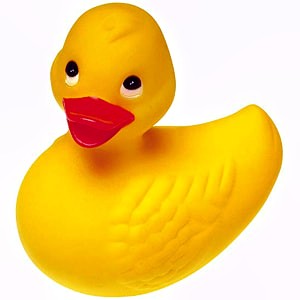
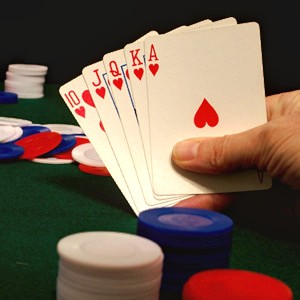
// Merging a lightened, normal and darkened version of the image
TIESlippyMap
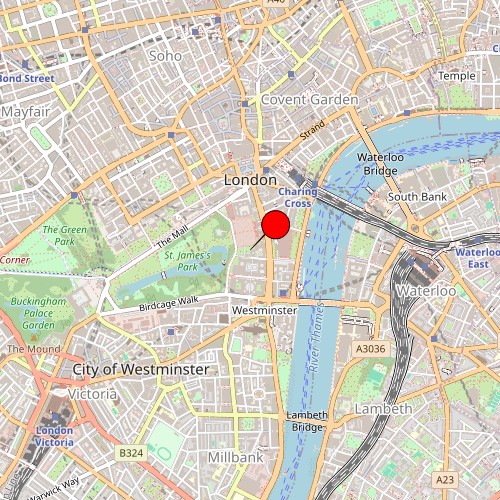
// Show a map of Londonmap := TIESlippyMap.Create( iesmpOpenStreetMap );
map.Latitude := 51.50361;
map.Longitude := -0.12775;
map.Zoom := 14;
ImageEnView1.IEBitmap.Allocate( 500, 500 );
ImageEnView1.IEBitmap.VirtualBitmapProvider := map;
ImageEnView1.Update();
AsBase64
// Get the image as a base64 encoded JPEGImageEnView1.IEBitmap.FileType := ioJPEG;
base64 := ImageEnView1.IEBitmap.AsBase64;
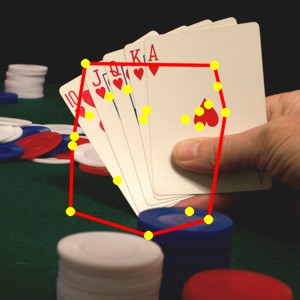
convexHull (IEVision)
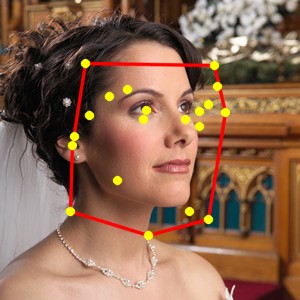
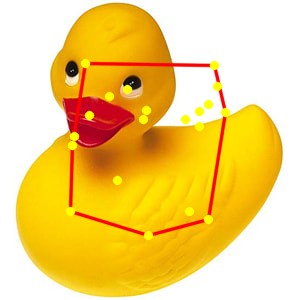
// Draw the convex hull of 20 random points in the middle of the imagew := ImageEnView1.IEBitmap.Width;
h := ImageEnView1.IEBitmap.Height;
pts := IEVisionLib().createVectorPoint();
for i := 1 to 20 do
pts.push_back( IEVisionPoint( w div 5 + Random( w * 3 div 5 ), h div 5 + Random( h * 3 div 5 )));
hull := IEVisionLib().createMath().convexHull( pts );
contours := IEVisionLib().createVectorObjRef();
contours.push_back( hull );
IEVisionLib().createDrawing().drawContours( ImageEnView1.IEBitmap.GetIEVisionImage(), contours, IEVisionScalar( 0, 0, 255 ), -1, 2, 16 );
ImageEnView1.Update();
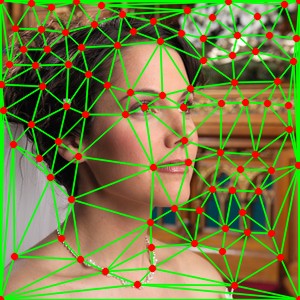
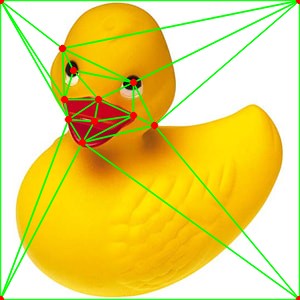
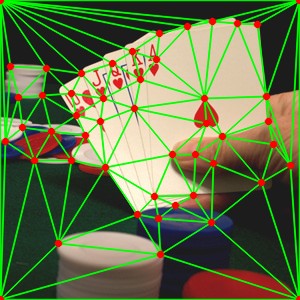
delaunayTriangulation (IEVision)
// Draw a Delaunay triangulation mesh of the corners of the image (found using goodFeaturesToTrack)pts := ImageEnView1.IEBitmap.GetIEVisionImage().goodFeaturesToTrack( 150, 0.01, 20 );
pts.push_back( IEVisionPoint2f( 0, 0 ));
pts.push_back( IEVisionPoint2f( ImageEnView1.IEBitmap.Width - 1, 0 ));
pts.push_back( IEVisionPoint2f( ImageEnView1.IEBitmap.Width - 1, ImageEnView1.IEBitmap.Height - 1 ));
pts.push_back( IEVisionPoint2f( 0, ImageEnView1.IEBitmap.Height - 1 ));
tris := IEVisionLib().createMath().delaunayTriangulation( pts );
mesh := IEVisionLib().createVectorObjRef();
for i := 0 to tris.size() div 3 - 1 do
begin
tri := IEVisionLib().createVectorPoint();
for j := 0 to 2 do
begin
pt := pts.getPoint( tris.getInt32( i * 3 + j ));
tri.push_back( IEVisionPoint( Round( pt.x ), Round( pt.y )));
end;
mesh.push_back( tri );
end;
IEVisionLib().createDrawing().drawContours( ImageEnView1.IEBitmap.GetIEVisionImage(), mesh, IEVisionScalar( 0, 255, 0 ), -1, 1, 16 );
ImageEnView1.Update();
See Also
◼Analysis Methods◼Color Adjustment Methods
◼Color Depth Methods
◼Detection Methods
◼Special Detection Methods
◼Document Methods
◼Drawing Methods
◼Effects Methods
◼Filter Methods
◼Geometric Methods
◼Painting and Alpha Methods
◼Smoothing Methods
◼Other Methods
◼Selection Methods
◼Interactive Tools