The "Every Method" editing demo allows you to preview 300 editing, analysis and effects methods, and generate sample code.
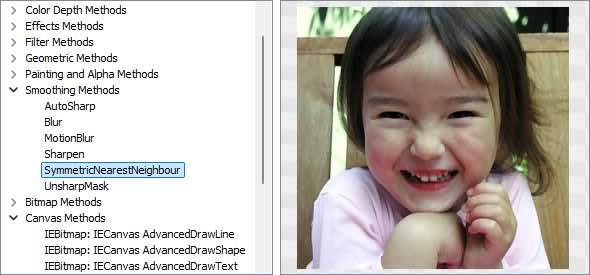
Image Editing Methods
◼Analysis Methods◼Color Adjustment Methods
◼Color Depth Methods
◼Detection Methods
◼Special Detection Methods
◼Document Methods
◼Drawing Methods
◼Effects Methods
◼Filter Methods
◼Geometric Methods
◼Painting and Alpha Methods
◼Smoothing Methods
◼Other Methods
◼Selection Methods
◼Interactive Tools
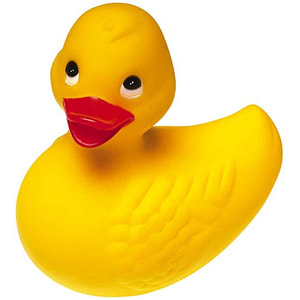
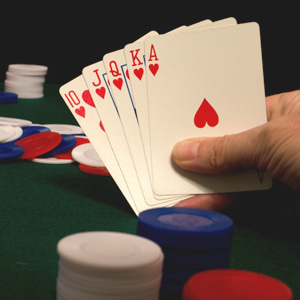
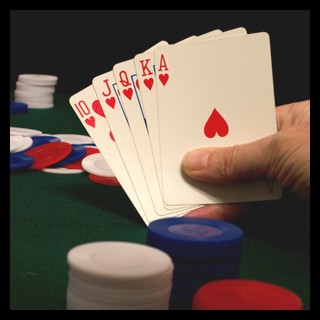
Test Images
ImageEnView1.IO.LoadFromFile( 'D:\ImageTest1.jpg' );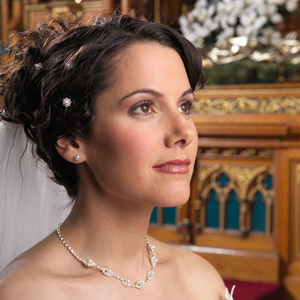
CropSel
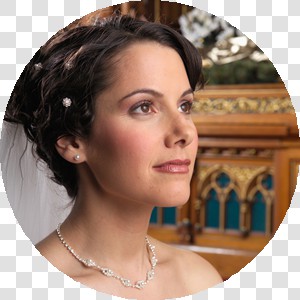
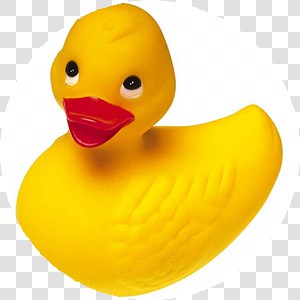
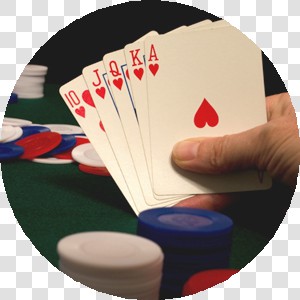
// Make circular selection of entire image and cropImageEnView1.SelectionBase := iesbBitmap;
ImageEnView1.SelectEllipse(ImageEnView1.IEBitmap.Width div 2,
ImageEnView1.IEBitmap.Height div 2,
ImageEnView1.IEBitmap.Width,
ImageEnView1.IEBitmap.Height);
ImageEnView1.Proc.CropSel();
Crop
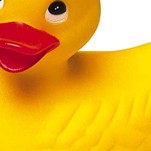
// Crop 25% of all sides of the imageImageEnView1.Proc.Crop( ImageEnView1.IEBitmap.Width div 4,
ImageEnView1.IEBitmap.Height div 4,
MulDiv( ImageEnView1.IEBitmap.Width, 3, 4 ),
MulDiv( ImageEnView1.IEBitmap.Height, 3, 4 ));

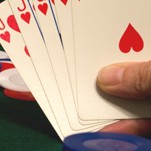
// Crop 10% from top-left corner, and 30% from bottom-right corner and stretch
// by specifying 4 points (which will become the new corners)
x1 := MulDiv( ImageEnView1.IEBitmap.Width, 10, 100 );
y1 := MulDiv( ImageEnView1.IEBitmap.Height, 10, 100 );
x2 := ImageEnView1.IEBitmap.Width - MulDiv( ImageEnView1.IEBitmap.Width, 30, 100 );
y2 := ImageEnView1.IEBitmap.Height - MulDiv( ImageEnView1.IEBitmap.Height, 30, 100 );
ImageEnView1.Proc.Crop([ DPoint( x1, y1 ), // Top-Left corner
DPoint( ImageEnView1.IEBitmap.Width, 0 ), // Top-right corner
DPoint( x2, y2 ), // Bottom-right corner
DPoint( 0, ImageEnView1.IEBitmap.Height ) // Bottom-Left corner
]);
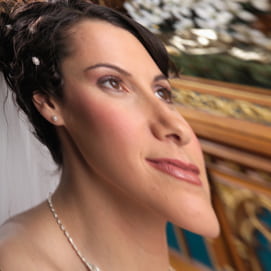
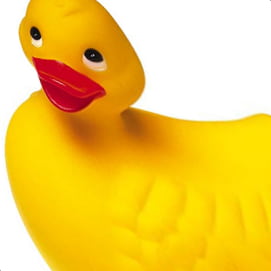
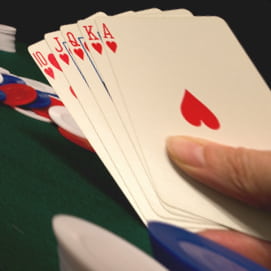
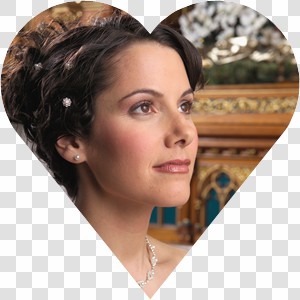
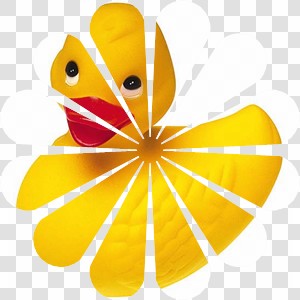
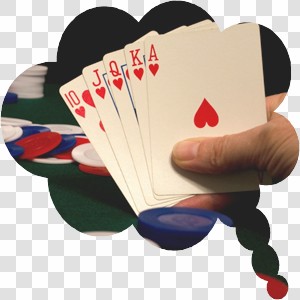
// Crop the image to a random shape
ImageEnView1.Proc.Crop( 0, 0, ImageEnView1.IEBitmap.Width, ImageEnView1.IEBitmap.Height, TIEShape( Random( ord( High( TIEShape )) - 1 )), clNone, False );
Flip
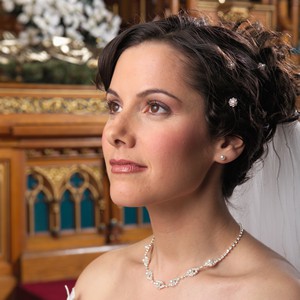
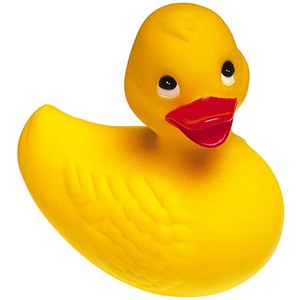
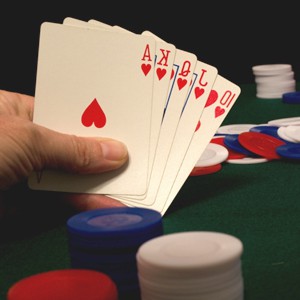
// Flip the image horizontallyImageEnView1.Proc.Flip( fdHorizontal );
ImageResize
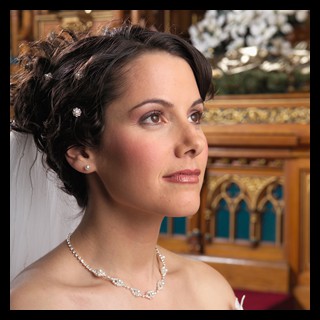
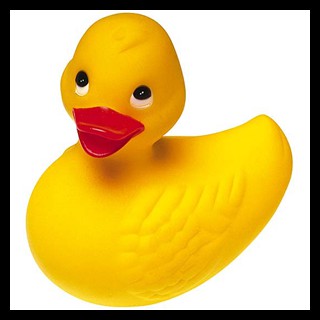
// Add a black border to the imageImageEnView1.Proc.ImageResize( ImageEnView1.IEBitmap.Width + 20,
ImageEnView1.IEBitmap.Height + 20,
iehCenter, ievCenter,
255, clBlack );
Resample
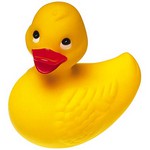
// Scale the image to half sizeImageEnView1.Proc.Resample( 0.5, rfLanczos3 );


Rotate
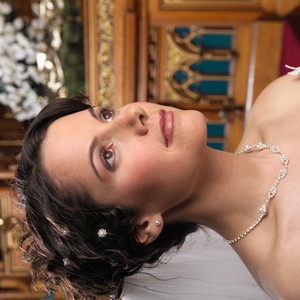
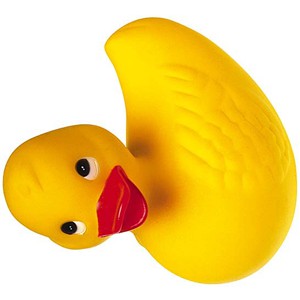
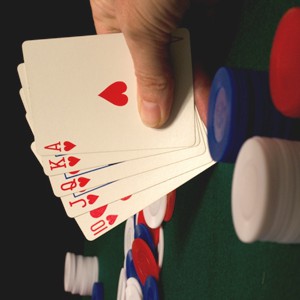
// Rotate the image 90° counter-clockwiseImageEnView1.Proc.Rotate( 90 );
RotateAndCrop
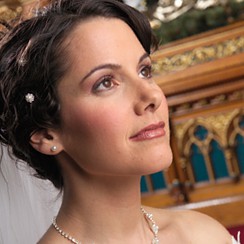
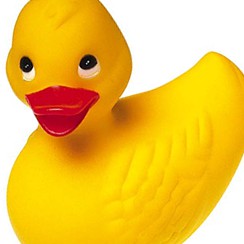
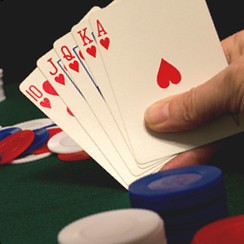
// Rotate the image 15° counter-clockwise and crop to maintain only image areaImageEnView1.Proc.RotateAndCrop( 15, ierBicubic, 0, iecaAngledPhoto );
RoundImage
// Add round corners to the imageImageEnView1.Proc.RoundImage( ImageEnView1.IEBitmap.Width div 10,
ImageEnView1.IEBitmap.Height div 10 );

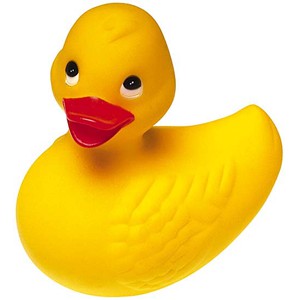
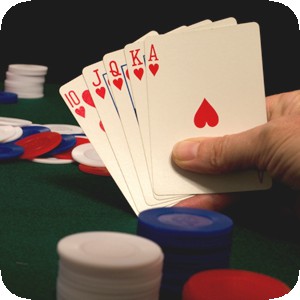
ShiftChannel
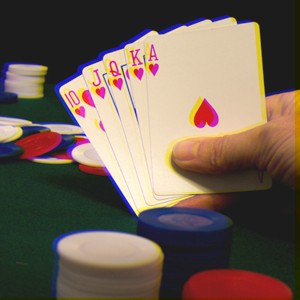
// Shift to -5 horizontally and -2 vertically in the Blue channel, filling new areas with 0ImageEnView1.Proc.ShiftChannel( -5, -2, iecBlue, 0 );
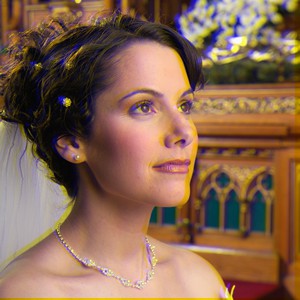
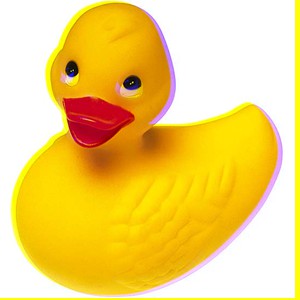
PerspectiveDraw
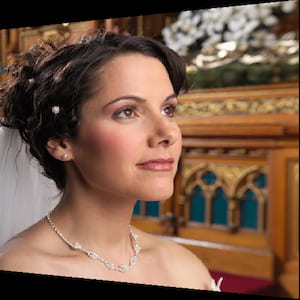
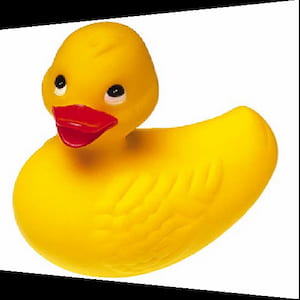
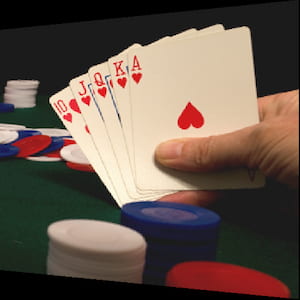
// Perspective drawing image offset on leftyOffset := 0;
ImageEnView1.IEBitmap.Allocate( 300, 300, clBlack );
ImageEnView1.Proc.PerspectiveDraw( srcBMP, // Source image
0, yOffset, // Top-left
ImageEnView1.IEBitmap.Width - 1, 0, // Top-Right
ImageEnView1.IEBitmap.Width - 1, ImageEnView1.IEBitmap.Height - 1, // Bottom-right
0, ImageEnView1.IEBitmap.Height - yOffset, // Bottom-left
-1, -1, True);
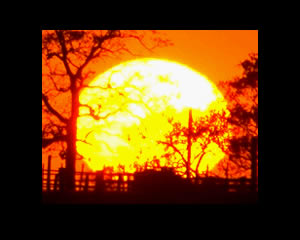
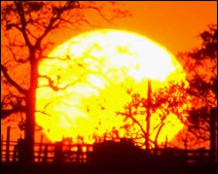
AutoCrop
// Remove any black border from the image (with tolerance of 30)ImageEnView1.Proc.AutoCrop( 30, clBlack );

CropTransparentBorder
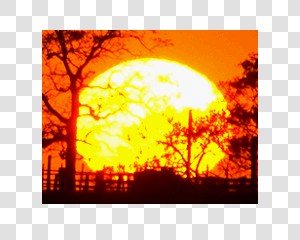
// Remove any transparent area from the edge of the imageImageEnView1.Proc.CropTransparentBorder();

RadialStretch
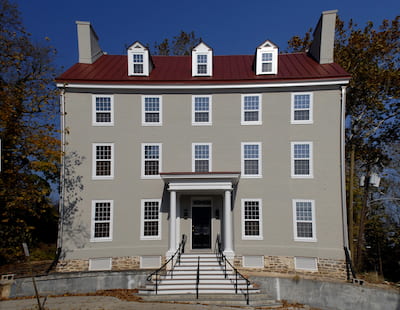
// Correction of pin cushion effect in imagea := 0.045;
b := 0;
c := 0;
d := 1.0 - (a+b+c);
ImageEnView1.Proc.RadialStretch( a, b, c, d,
a, b, c, d,
a, b, c, d );
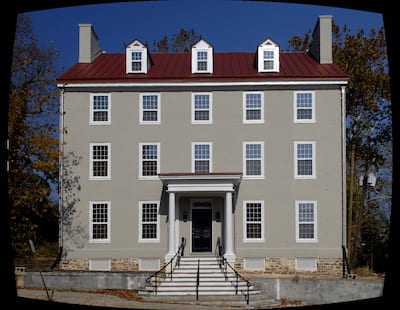
thinPlateSplineShapeTransform (IEVision)
// Apply a Thin Plate Spline Shape Transformation to an imagesrcPoints := IEVisionLib().createVectorPoint2f();
dstPoints := IEVisionLib().createVectorPoint2f();
// Create a four point selection of the middle third of the image
// TL
srcPoints.push_back( IEVisionPoint2f( 50, 50 ));
dstPoints.push_back( IEVisionPoint2f( 50, 50 ));
// TR
srcPoints.push_back( IEVisionPoint2f( 250, 50 ));
dstPoints.push_back( IEVisionPoint2f( 250, 50 ));
// BR
srcPoints.push_back( IEVisionPoint2f( 50, 250 ));
dstPoints.push_back( IEVisionPoint2f( 50, 250 ));
// BL
srcPoints.push_back( IEVisionPoint2f( 250, 250 ));
dstPoints.push_back( IEVisionPoint2f( 300, 300 )); // Offset bottom right to edge
im := SourceIEViewer.IEBitmap.GetIEVisionImage().thinPlateSplineShapeTransform( srcPoints, dstPoints );
ImageEnView1.IEBitmap.AssignIEVisionImage( im );
Warp
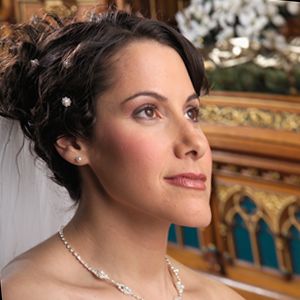
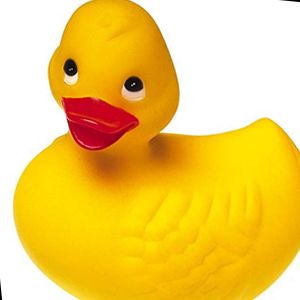
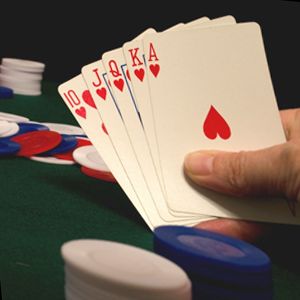
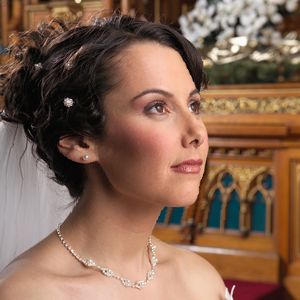
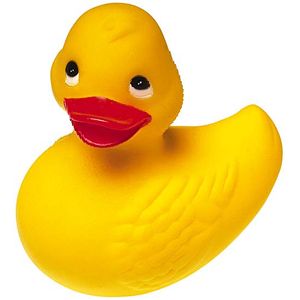
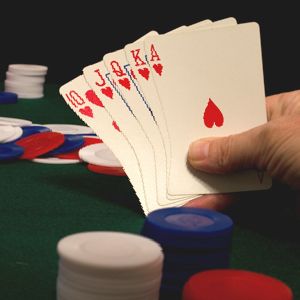
// Push the center of the image to the rightImageEnView1.Proc.Warp( Point( 150, 150 ), 25, 0, 50 );
JoinBitmaps
// Joining two bitmaps that are 300px wide with some overlapping content


// Join two images horizontally and display them (without checking for overlapping content)
bmpL := TIEBitmap.Create();
bmpR := TIEBitmap.Create();
bmpL.Read( 'D:\JoinBitmap_Left.png' );
bmpR.Read( 'D:\JoinBitmap_Right.png' );
ImageEnView1.Proc.JoinBitmaps( bmpL, bmpR, False, clNone );
bmpL.Free();
bmpR.Free();
// Result is 600px wide - Overlap remains

// Join two images horizontally and display them (performing an exhaustive search for overlapping content)
bmpL := TIEBitmap.Create();
bmpR := TIEBitmap.Create();
bmpL.Read( 'D:\JoinBitmap_Left.png' );
bmpR.Read( 'D:\JoinBitmap_Right.png' );
ImageEnView1.Proc.JoinBitmaps( bmpL, bmpR, False, clNone, True, 0.8, True );
bmpL.Free();
bmpR.Free();
// Result is 473px wide - Overlap is correctly removed

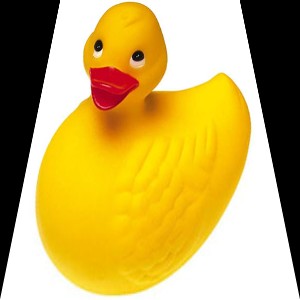
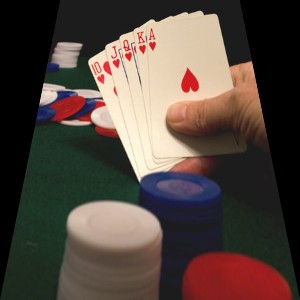
warpPerspective (IEVision)
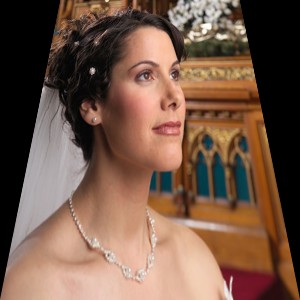
// Apply a keystone perspective by narrowing the top of the image by 20% on each sidew := ImageEnView1.IEBitmap.Width;
h := ImageEnView1.IEBitmap.Height;
inset := MulDiv( w, 20, 100 );
// Map the image corners (TL, TR, BR, BL) to a trapezoid
srcPoints := IEVisionLib().createVectorPoint2f();
dstPoints := IEVisionLib().createVectorPoint2f();
srcPoints.push_back( IEVisionPoint2f( 0, 0 )); dstPoints.push_back( IEVisionPoint2f( inset, 0 ));
srcPoints.push_back( IEVisionPoint2f( w - 1, 0 )); dstPoints.push_back( IEVisionPoint2f( w - 1 - inset, 0 ));
srcPoints.push_back( IEVisionPoint2f( w - 1, h - 1 )); dstPoints.push_back( IEVisionPoint2f( w - 1, h - 1 ));
srcPoints.push_back( IEVisionPoint2f( 0, h - 1 )); dstPoints.push_back( IEVisionPoint2f( 0, h - 1 ));
hmat := IEVisionLib().createMath().findHomography( srcPoints, dstPoints, ievREGULAR );
ImageEnView1.IEBitmap.AssignIEVisionImage( ImageEnView1.IEBitmap.GetIEVisionImage().warpPerspective( hmat, IEVisionSize( w, h ), ievLINEAR, ievBORDER_CONSTANT, IEVisionScalar( 0, 0, 0, 0 ), False ));
ImageEnView1.Update();
perspectiveTransform (IEVision)
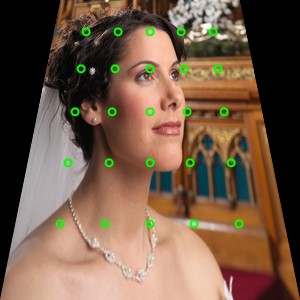
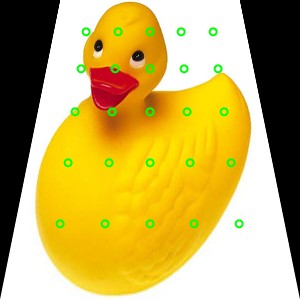
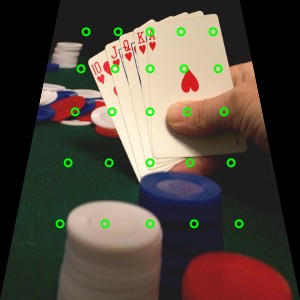
// Find where a point on the original image is positioned after applying a homography (e.g. from warpPerspective above)hmat := IEVisionLib().createMath().findHomography( srcPoints, dstPoints, ievREGULAR );
// Points are stored as a 1 row, 2 channel float image of x,y pairs
ptsIn := IEVisionLib().createImage( 1, 1, ievFLOAT32, 2 );
pIn := ptsIn.getScanline( 0 );
pIn[0] := 200;
pIn[1] := 150;
ptsOut := IEVisionLib().createImage();
ptsIn.perspectiveTransform( ptsOut, hmat );
pOut := ptsOut.getScanline( 0 );
ShowMessage( Format( '200,150 => %.1f,%.1f', [ pOut[0], pOut[1] ]));
// Grid points (green) and a selected point (red) mapped onto the warped image
warpAffine (IEVision)
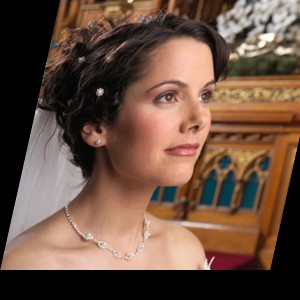
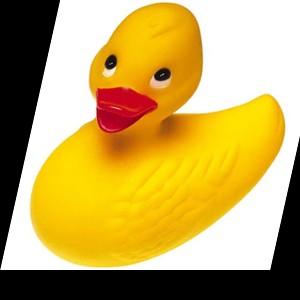
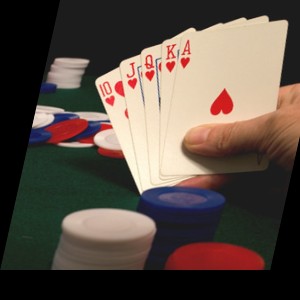
// Skew the image by 20% and scale it to 90%w := ImageEnView1.IEBitmap.Width;
h := ImageEnView1.IEBitmap.Height;
skew := MulDiv( w, 20, 100 );
// Move the top-left, top-right and bottom-left corners
srcPoints := IEVisionLib().createVectorPoint2f();
dstPoints := IEVisionLib().createVectorPoint2f();
srcPoints.push_back( IEVisionPoint2f( 0, 0 )); dstPoints.push_back( IEVisionPoint2f( skew, 0 ));
srcPoints.push_back( IEVisionPoint2f( w, 0 )); dstPoints.push_back( IEVisionPoint2f( skew + w * 0.9, 0 ));
srcPoints.push_back( IEVisionPoint2f( 0, h )); dstPoints.push_back( IEVisionPoint2f( 0, h * 0.9 ));
M := IEVisionLib().createMath().getAffineTransform( srcPoints, dstPoints );
ImageEnView1.IEBitmap.AssignIEVisionImage( ImageEnView1.IEBitmap.GetIEVisionImage().warpAffine( M, IEVisionSize( w, h ), ievLINEAR, ievBORDER_CONSTANT, IEVisionScalar( 0, 0, 0, 0 ), False ));
ImageEnView1.Update();
CopyRectTo
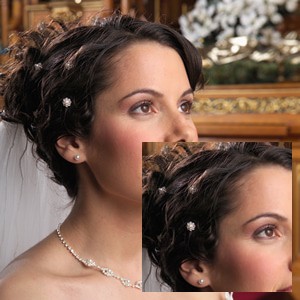
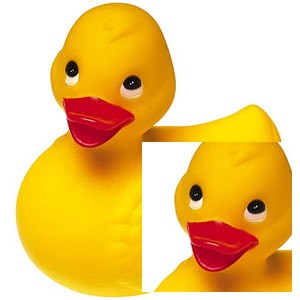
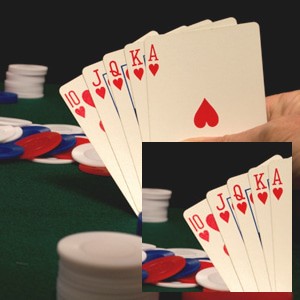
// Copy a 150x150 area of the image at 18,18 to position 142,142 of another imageImageEnView1.IEBitmap.CopyRectTo( ImageEnView2.IEBitmap, 18, 18, 142, 142, 150, 150, false );
ImageEnView2.Update(); // Show changes in our viewer
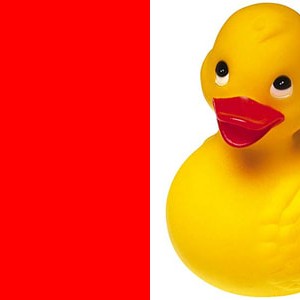
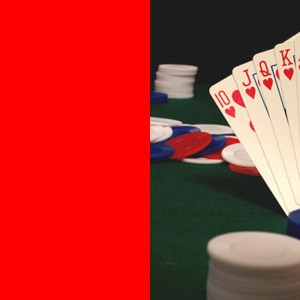
MoveRegion
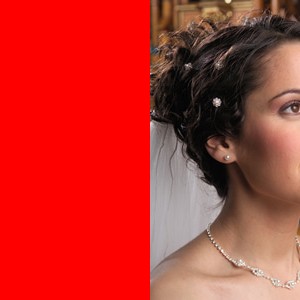
// Move the left half of the image to the right, filling the vacated area with redww := ImageEnView1.IEBitmap.Width div 2;
ImageEnView1.IEBitmap.MoveRegion( 0, 0, ww, ImageEnView1.IEBitmap.Height, ImageEnView1.IEBitmap.Width - ww, 0, clRed, True, False );
ImageEnView1.Update(); // Show changes in our viewer
See Also
◼Analysis Methods◼Color Adjustment Methods
◼Color Depth Methods
◼Detection Methods
◼Special Detection Methods
◼Document Methods
◼Drawing Methods
◼Effects Methods
◼Filter Methods
◼Geometric Methods
◼Painting and Alpha Methods
◼Smoothing Methods
◼Other Methods
◼Selection Methods
◼Interactive Tools